Legal Document Management Software for Law Firms

Store, search, generate, sign and share legal documents in one system, with every document filed to its matter and linked to the Salesforce record.

CloudDoc document folders, a signed client agreement and a share panel alongside a legal professional
OCR Accuracy
99%+
Faster Document Review
10x
Certified
SOC 2
Document Types Supported
50+

What CloudDoc Does

Files every document to its matter

Documents are stored in matter-based folders and linked to the Salesforce record, without using Salesforce file storage.

Makes scanned documents searchable

OCR reads PDFs and scanned files, tags them by type and content, and makes the text searchable across every matter.

Creates, signs and shares documents in one place

Generate documents from templates, send them for e-signature and share them with secure links, without separate tools.

Features

Matter-Based Document Management

Every document sits in a matter-based folder in one central repository, with folder-level security and access control. Documents can be uploaded in bulk from your desktop or email, and every change is kept in version history.

  • Matter-based folders
  • Folder-level security and access control
  • Bulk upload from desktop or email
  • Version history and rollback

AI Classification and Tagging

CloudDoc identifies document types such as contracts, pleadings and invoices as they come in. Metadata is added automatically, and documents are sorted into the right folders, which cuts down on manual filing.

  • Automatic document type identification
  • Automatic metadata tagging
  • Content-based categorization
  • Automatic filing to structured folders

OCR and Data Extraction

OCR pulls text and key information out of PDFs and scanned documents. Extracted data feeds reporting and workflows, and large document volumes are supported.

  • OCR for PDFs and scanned documents
  • Key information extraction
  • Data captured for reporting and workflows
  • Support for large document volumes

Document Search

Search every document by keyword or metadata, across a single matter or across many matters. AI-assisted search and document chat help you find information inside files without opening each one.

  • Full-text search across all documents
  • Keyword and metadata search
  • Search across multiple matters
  • AI-assisted search and chat with your documents

Automated Document Workflows

Uploading a document can create tasks and update matter fields using the data extracted from it. Documents are routed to the correct folders and connect to your case workflows.

  • Tasks created from document uploads
  • Matter fields updated from extracted data
  • Automatic routing to folders
  • Connected to case workflows

Document Generation and Templates

Generate agreements, legal forms, quotes, invoices and reports from templates filled with live matter and client data. The drag-and-drop template builder supports conditional logic and variable sections, with output in PDF, Word or Excel.

  • Drag-and-drop template builder
  • Conditional logic and variable sections
  • Data merged from matters, clients and related records
  • PDF, Word and Excel output

Built-In E-Signature

Send documents for signature, set the signing order and track progress, then store the signed copies against the matter. No third-party signing tool is needed.

  • Send for signature
  • Defined signing order
  • Progress tracking
  • Signed copies stored with the matter

Secure Sharing and Audit Trail

Share links carry expiry dates, password protection and access controls, and recipients don’t need a login. Every action is tracked in an audit trail, with role-based permissions and encryption in transit and at rest on AWS.

  • Share links with expiry and password protection
  • No recipient login needed
  • Role-based permissions and audit-ready tracking
  • Encryption in transit and at rest on AWS

AI disclosure: AI output in this platform is a suggestion, not a decision. Every AI-assisted entry goes through the same review, approval and audit trail as anything entered by hand, and your team makes the final call.

Real-World Ready

Built for Document-Heavy Legal Work

  • Personal injury medical records and bills
  • Immigration document processing
  • Family law financial records and agreements
  • Litigation filings and evidence management
  • Contract and compliance documentation

Why CloudDoc

Built for Legal Documents, Not Adapted From File Storage

  • Storage, OCR, templates, e-signature and sharing in one system
  • Every document filed to its matter
  • Linked to Salesforce records without using Salesforce file storage
  • Works with CaseQube and LawAccounting
  • Replaces separate file storage, signing and template tools

How a Document Moves Through CloudDoc

  1. 01

    Uploaded

    A document comes in by bulk upload from your desktop or from email.

  2. 02

    Read and tagged

    OCR extracts the text, and the document is classified and tagged by type and content.

  3. 03

    Filed

    It’s routed to the right matter folder and linked to the Salesforce record.

  4. 04

    Put to work

    Extracted data updates matter fields, and any tasks tied to that document type are created.

  5. 05

    Found

    Anyone with access can search for it by keyword or metadata, across one matter or many.

  6. 06

    Signed and shared

    Documents go out for e-signature or through secure share links, and every version and action is recorded in the audit trail.

CloudDoc Compared to Shared Drives and Separate Tools

Comparison of CloudDoc with shared drives and separate signing and template tools across seven capabilities.
CapabilityCloudDocShared drives with separate signing and template tools
Documents filed to the matter recordBuilt inManual folders
OCR and full-text search of scanned filesBuilt inVaries by tool
Automatic classification and taggingBuilt inManual
Templates filled with matter dataBuilt inSeparate tool or manual
E-signatureBuilt inSeparate tool
Share links with expiry and passwordBuilt inVaries by tool
Tasks created from document uploadsBuilt inNot built in

Who Uses CloudDoc

  • Attorneys

    Lawyers who need to find pleadings, contracts and evidence for a matter quickly.

  • Paralegals and legal assistants

    Staff who file, generate and send documents and manage signatures.

  • Records and intake teams

    Staff who process large volumes of incoming documents such as medical records and immigration files.

  • Firm administrators and IT

    People who set permissions, manage templates and need a full audit trail.

How CloudDoc supports attorneys, paralegals and legal assistants, records and intake teams and firm administrators and IT

Getting Started With CloudDoc

Plan

We review your matter types, folder structure and current document tools.

Configure

Folders, permissions, templates and document workflows are set up for your firm.

Move your documents

Existing files are brought in through bulk upload.

Train and go live

Your team learns the workflows they’ll use every day, and a typical launch is scoped for under 30 days.

CloudDoc runs on AWS and links to Salesforce. You can adopt it on its own or with CaseQube, LawAccounting and Maahi.

Explore Other Products

Each product runs on its own. Firms usually start with one and add the rest as they need them.

CaseQube

Case and matter management

Intake, matter management, conflict checks, tasks, deadlines and workflows.

Explore CaseQube
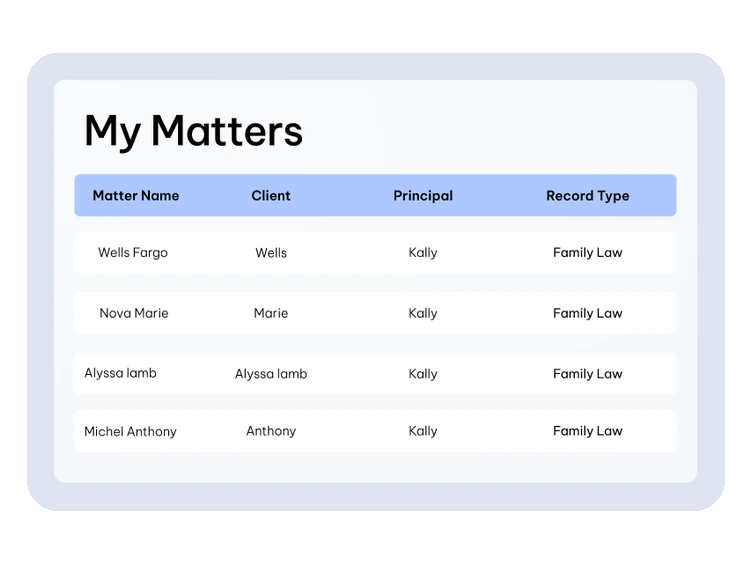
CaseQube My Matters table listing matters with client, principal and record type

LawAccounting

Legal and trust accounting

General ledger, trust accounting, billing, reconciliation and financial reporting.

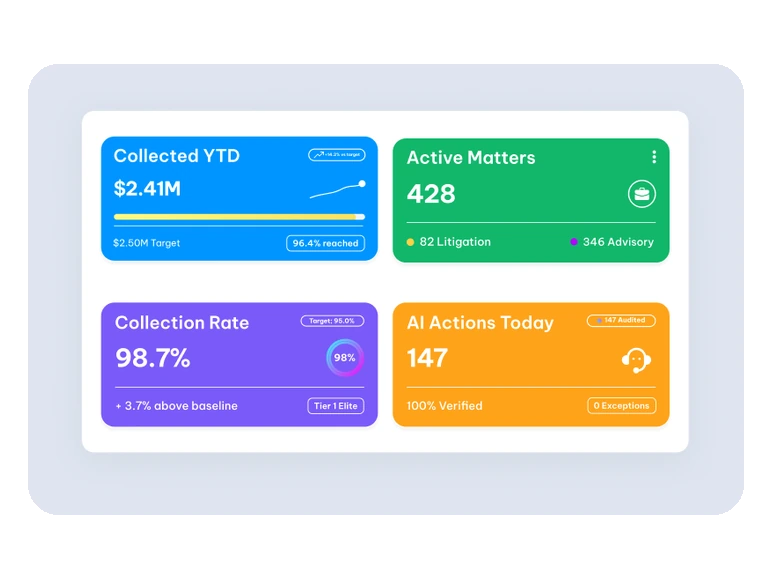
LawAccounting dashboard cards showing fees collected year to date, active matters, collection rate and AI actionsExplore LawAccounting

Maahi

Payments

Card and ACH payments, routed to trust or operating and posted to the client ledger.

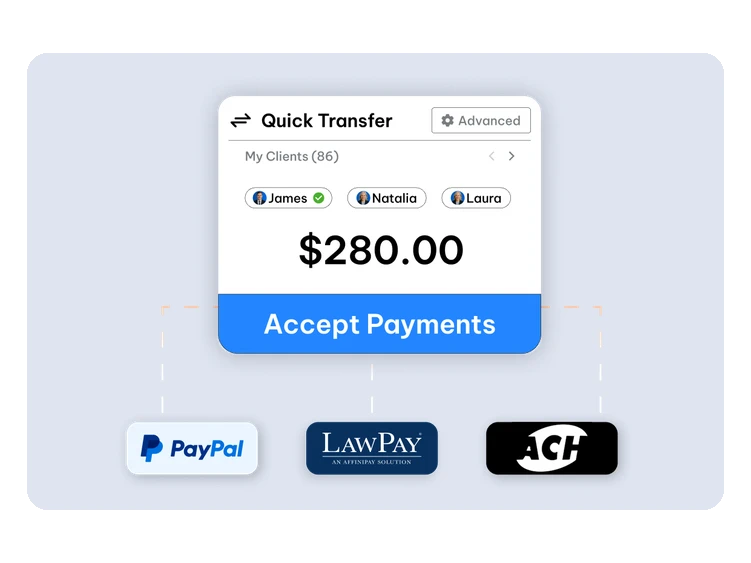
Maahi Quick Transfer panel accepting a client payment by PayPal, LawPay or ACHExplore Maahi

Frequently Asked Questions

Legal document management software stores, organizes and secures a law firm’s documents, usually by client and matter, so they can be found, shared and tracked.

CloudDoc adds OCR, automatic tagging, templates, e-signature and secure sharing in one system.

File storage holds files in folders. Legal document management connects each document to its matter, controls who can see it and keeps a record of every version and action.

CloudDoc also reads scanned files, tags them and links them to the Salesforce record.

Documents are stored in matter-based folders in a central repository, with folder-level security and access control.

OCR (optical character recognition) turns scanned documents and image-based PDFs into searchable text.

CloudDoc uses OCR to extract text and key information, so documents can be searched and their data used in workflows.

Yes. CloudDoc identifies document types such as contracts, pleadings and invoices, adds metadata and sorts documents into folders.

Search by keyword or metadata across one matter or many. AI-assisted search and document chat help find information inside files.

Yes. The drag-and-drop template builder supports conditional logic and variable sections, merges data from matters and clients, and outputs PDF, Word or Excel files.

Yes. You can send documents for signature, set the signing order, track progress and store signed copies, with no third-party tool needed.

Share links carry expiry dates, password protection and access controls. Recipients don’t need a login.

Yes. Every document keeps its version history, and you can roll back to an earlier version.

Yes. Documents can be uploaded in bulk by drag and drop from your desktop or from email.

Yes. Document uploads can create tasks, update matter fields from extracted data and route the document to the correct folder.

CloudDoc uses role-based permissions, audit-ready tracking and encryption in transit and at rest on AWS.

No. Every document is linked to its Salesforce record without using Salesforce file storage.

Yes. CloudDoc works with CaseQube and LawAccounting, so documents stay connected to the same matters and records.

Yes. You can adopt CloudDoc by itself or with the rest of the suite.

A typical launch is scoped for under 30 days, including setup and training.

Run Your Firm’s Documents in One System

Store, search, generate, sign and share legal documents in document management software built for law firms.