Legal Payment Processing Software for Law Firms

Accept card and ACH payments, route them to trust or operating, and post every payment to the right client, matter and invoice automatically.

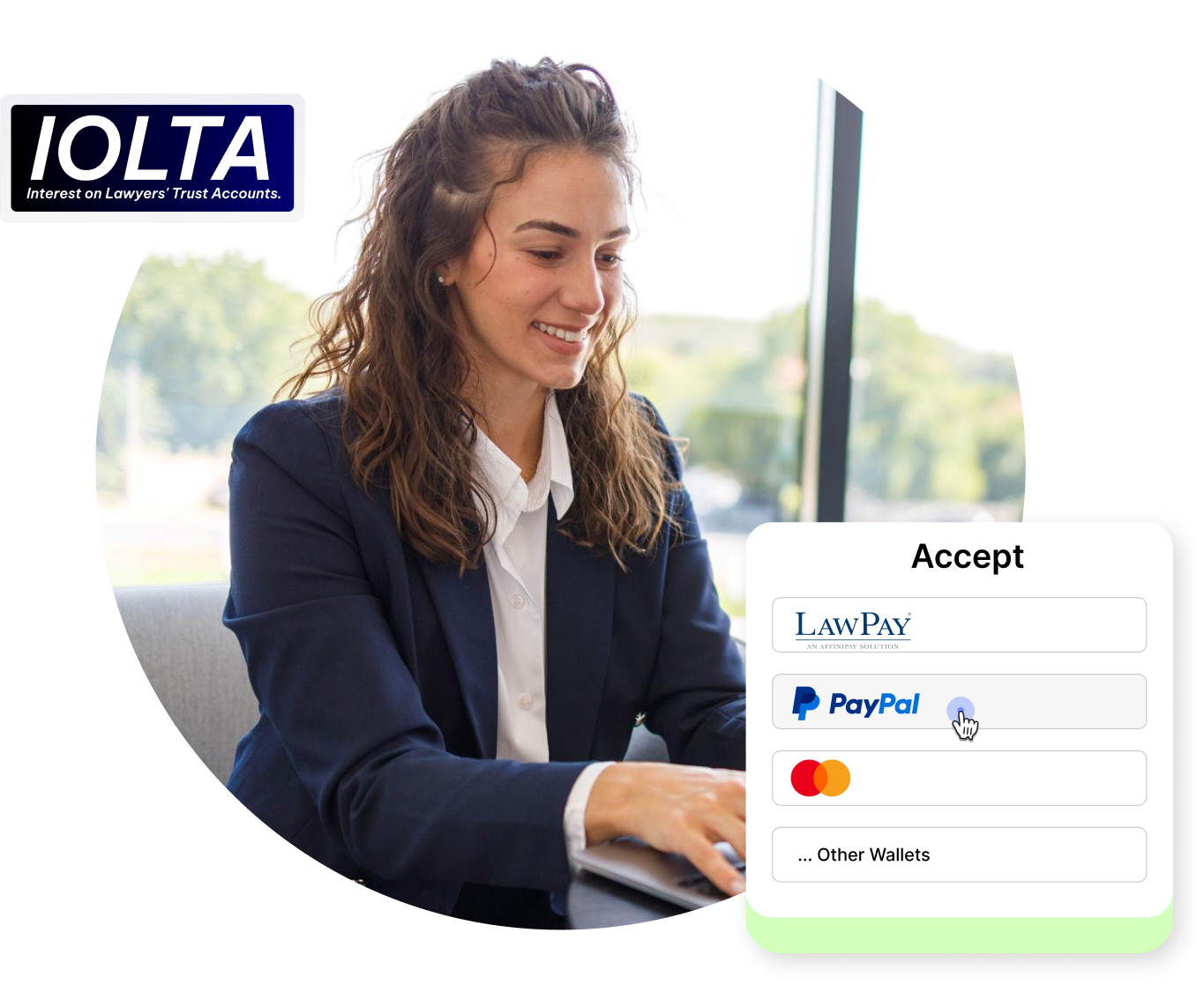
A legal professional at a laptop with an IOLTA badge and a payment card offering card, ACH and wallet options
Faster Collections
60%
Certified
PCI Level 1
Hidden Fees
$0
Settlement Available
Same Day

What Maahi Does

Gets invoices paid online

Clients pay by card or ACH from a secure payment link or directly from the invoice.

Sends money to the right account

Each payment is routed to your trust or operating account, including retainers and advance payments.

Posts payments without re-entry

Payments are matched to invoices and posted to the client ledger, so your accounting records update on their own.

Features

Card and ACH Payments

Clients pay by credit card or ACH through secure online payment links or straight from their invoice. The payment experience is built to be simple for clients, so fewer invoices sit unpaid.

  • Credit card payments
  • ACH payments
  • Secure online payment links
  • Payment directly from invoices

Trust and Operating Account Routing

Payments are routed to trust or operating accounts, so retainers and advance payments go where they belong. Funds are allocated automatically under the routing rules your firm sets up.

  • Trust-safe payment routing
  • Retainer and advance payment collection
  • Automated fund allocation
  • Separate trust and operating destinations

Automatic Payment Reconciliation

Payments are matched to invoices automatically and posted to the client ledger. Accounting records update as payments come in, without manual entry.

  • Automatic matching of payments to invoices
  • Auto-posting to client ledgers
  • Real-time updates to accounting records
  • Fewer reconciliation errors

Payment Reminders and Follow-Ups

Automated reminders and follow-ups go out on unpaid invoices. This shortens the time between sending an invoice and getting paid, and lowers outstanding receivables.

  • Automated payment reminders
  • Automated follow-ups
  • Faster invoice-to-payment cycle
  • Lower outstanding receivables

Matter-Level Payment Tracking

Every payment is tracked by client and matter, with outstanding balances visible for each one. Payment data connects to billing and accounting, so the numbers match across all three.

  • Payments tracked by matter and client
  • Outstanding balances by matter
  • Connected to billing and accounting
  • Multi-matter payment tracking

Surcharging Controls and Secure Processing

Surcharging controls let firms manage card fees where their state and bar rules allow it. Payments are processed securely and connect with established payment providers.

  • Surcharging controls
  • Secure payment processing
  • Connection to established payment providers
  • Built to grow with your payment volume

AI disclosure: AI output in this platform is a suggestion, not a decision. Every AI-assisted entry goes through the same review, approval and audit trail as anything entered by hand, and your team makes the final call.

Real-World Ready

Built for Legal Payment Workflows

  • Retainer and advance fee collection
  • Client invoice payments
  • Settlement-related payments
  • Payments tracked across multiple matters
  • Card and ACH collection from one place

Why Maahi

Built for Law Firm Payments, Not Adapted From General Payment Processing

  • Payments routed to trust or operating
  • Every payment tied to a client, matter and invoice
  • Posts to the client ledger automatically
  • Works with LawAccounting and CaseQube
  • Replaces separate payment systems

How a Payment Moves Through Maahi

  1. 01

    Invoice sent

    The client receives an invoice with a secure payment link.

  2. 02

    Client pays

    The client pays by card or ACH online.

  3. 03

    Payment routed

    The payment goes to the trust or operating account, based on your firm’s routing.

  4. 04

    Payment matched

    Maahi matches it to the open invoice.

  5. 05

    Payment posted

    It posts to the client ledger and updates the matter balance and your accounting records.

  6. 06

    Follow-up sent

    If an invoice is still unpaid, automated reminders go out to the client.

Maahi Compared to General Payment Processors

Comparison of Maahi with general payment processors across seven capabilities.
CapabilityMaahiGeneral payment processors
Card and ACH paymentsYesYes
Online payment linksYesYes
Routing to trust or operating accountsBuilt inNot built for trust accounts
Payments matched to legal invoicesBuilt inSeparate reconciliation
Posting to the client ledgerBuilt inNot built in
Balances tracked by matterBuilt inNot built in
Automated reminders on unpaid invoicesBuilt inVaries by tool

Who Uses Maahi

  • Billing and collections staff

    People who send invoices, chase unpaid balances and apply payments.

  • Finance teams

    Controllers and accountants who need payments reconciled and posted without manual entry.

  • Attorneys and firm owners

    Lawyers who want to collect retainers and get paid faster without handling card details.

  • Clients

    Clients who want to pay online by card or ACH in a few steps.

How Maahi supports billing and collections staff, finance teams, attorneys and firm owners, and clients

Getting Started With Maahi

Connect accounts

Your trust and operating accounts are connected for payment routing.

Configure

Routing rules, surcharging controls and payment links are set up for your firm.

Set reminders

Automated reminders and follow-ups are turned on for unpaid invoices.

Go live

Clients start paying online, and payments post to your records automatically.

You can adopt Maahi on its own or with LawAccounting and CaseQube.

Explore Other Products

Each product runs on its own. Firms usually start with one and add the rest as they need them.

LawAccounting

Legal and trust accounting

General ledger, trust accounting, billing, reconciliation and financial reporting.

Explore LawAccounting
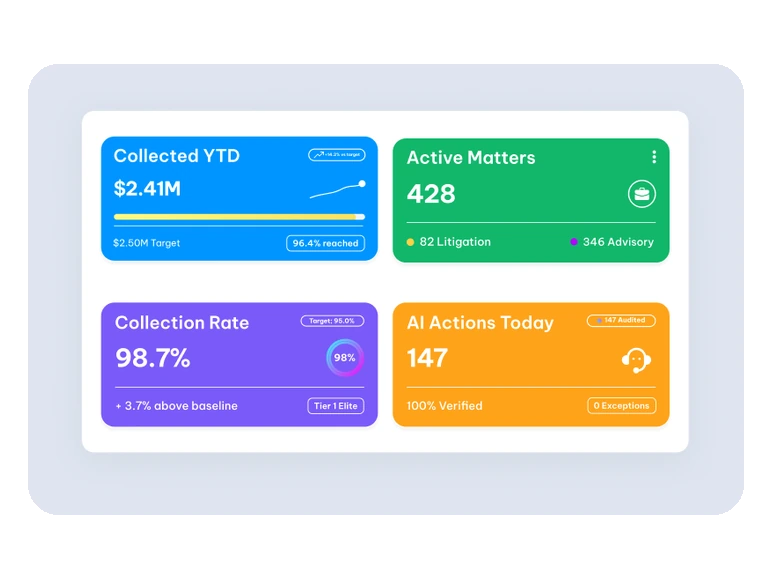
LawAccounting dashboard cards showing fees collected year to date, active matters, collection rate and AI actions

CaseQube

Case and matter management

Intake, matter management, conflict checks, tasks, deadlines and workflows.

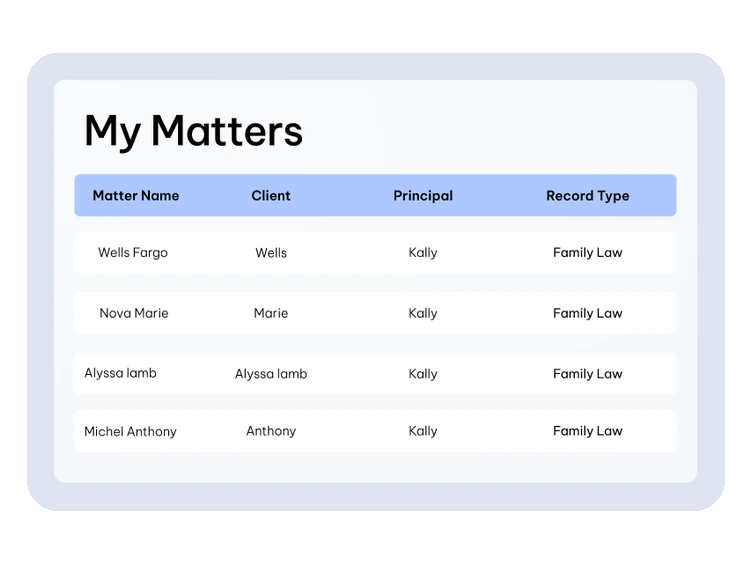
CaseQube My Matters table listing matters with client, principal and record typeExplore CaseQube

CloudDoc

Document management

Matter-based document storage, OCR, classification and full-text search.

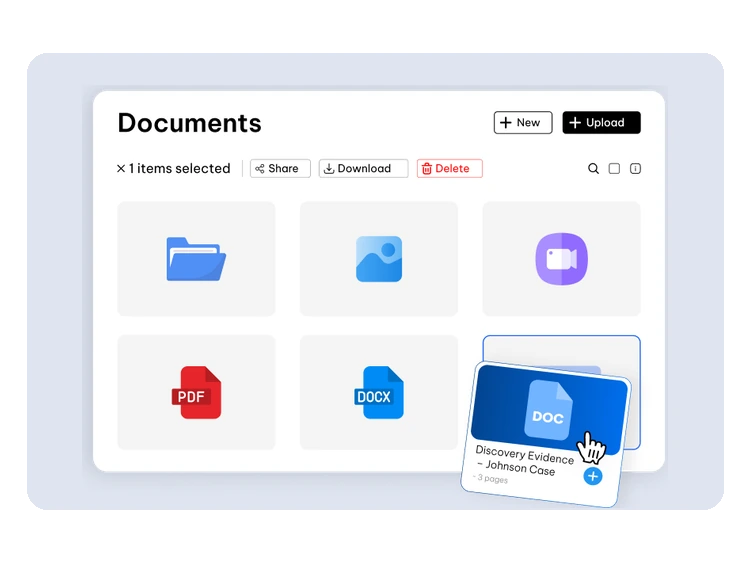
CloudDoc Documents panel with folders, PDF and Word files, and a case document being dragged inExplore CloudDoc

Frequently Asked Questions

Legal payment processing software lets law firms accept client payments online while keeping track of which money belongs in trust and which belongs in operating.

Maahi accepts card and ACH payments, routes them to the right account and posts them to the client ledger.

A regular processor takes the payment. A law firm also has to put the money in the right account and record it against the right client and matter.

Maahi handles the routing and posting as part of the payment.

Credit cards and ACH.

Yes. Clients can pay from the invoice or through a secure online payment link.

Yes. Payments can be routed to trust or operating accounts, including retainers and advance payments.

Yes. Maahi supports retainer and advance payment collection, routed to the account your firm sets.

Payments are matched to invoices automatically and posted to the client ledger, with accounting records updated in real time.

Yes. Payments auto-post to client ledgers, so billing and accounting stay in sync without manual entry.

Yes. Payments and outstanding balances are tracked by client and by matter, including clients with more than one matter.

Yes. Automated reminders and follow-ups go out on unpaid invoices.

Maahi includes surcharging controls. Whether you can surcharge depends on your state and bar rules.

Maahi uses secure payment processing and is PCI Level 1 certified.

Same-day settlement is available.

No. Maahi has no hidden fees.

Yes. Invoices sent from CaseQube can be paid online by card or ACH, and payments post to the correct trust or operating account.

Yes. You can adopt Maahi by itself or with LawAccounting and CaseQube.

Make Your Firm’s Payments Easier to Run

Accept card and ACH payments, route them to trust or operating, and post them to the client ledger in payment software built for law firms.