Insurance Defense Software Built for Law Firms

Handle carrier billing, UTBMS coding, LEDES invoicing, case costs, and matter reporting in one connected legal platform.

Insurance Defense Billing Software | LEDES E-Billing | UTBMS Codes | Carrier-Level Reporting

Attorney reviewing a matter on a laptop beside a client, with a scales of justice on the desk

What Insurance Defense Practice Involves

Insurance defense firms are hired by carriers to defend policyholders. The person across from the attorney is the client, but the carrier pays the bills and sets the terms.

Those terms are written down. Every carrier publishes billing guidelines covering rates, who can work a file, which tasks are compensable and how much narrative detail is needed. Time has to be coded with UTBMS codes, and invoices go out as LEDES files through the carrier's e-billing platform.

Miss any of it and the invoice comes back, or worse, gets paid with line items quietly reduced. A defense firm running hundreds of files across several panels, each with its own rates and rules, can lose real money before anyone notices.

So insurance defense software has to do two jobs. Run the litigation, and get the firm paid under someone else's rules.

Insurance Defense Software Key Features

LEDES and E-Billing Support

Invoices generate as LEDES files ready for submission rather than as PDFs someone reformats by hand. LawAccounting supports LEDES 1998B and LEDES XML 2.0, the two formats carriers and corporate panels ask for, with the invoice built from the same time and expense records that sit in your ledger.

UTBMS Task and Activity Codes

Full UTBMS task and activity code sets are built in, so time is coded as it's captured rather than sorted out at the end of the month. Codes carry through to the LEDES file and into your reporting, which means you can see how much of a matter went to discovery or motion practice without rebuilding it from invoices.

Granular Time and Expense Tracking

Carriers set the level of detail they will accept, and time recorded loosely has to be rewritten before it can be billed. Time and expenses are captured against the matter with the timekeeper, rate, code and narrative attached, and hard and soft costs are recorded separately so disbursements can be billed or absorbed correctly.

Carrier-Specific Billing Workflows

Billing rules are configured per client and per matter, so each panel's rates and requirements are applied to the matters that belong to it. A firm on six panels bills six different ways without running six different processes.

Detailed Reporting and Analytics

Reports cover billing and realization, receivables aging, WIP, timekeeper productivity and matter profitability, filtered by client, matter, attorney or date range. Because the carrier is the client, that means you can see which panels are actually profitable once reductions and write-offs are counted.

Document and Case Management

CloudDoc holds pleadings, discovery, expert reports and correspondence against the matter, with OCR and tagging for full-text search, version history and rollback, and share links carrying expiry and password control. Documents link to the matter record without using Salesforce file storage.

LEDES Billing and Carrier E-Billing

The invoice is where insurance defense work turns into revenue, or doesn't.

What's built in

LEDES 1998B and LEDES XML 2.0

The two formats carrier and corporate panels ask for, generated from your billing records.

UTBMS task and activity codes

Full code sets applied at time of entry, carried through to the invoice and into reporting.

Per-client and per-matter billing configuration

Rates, terms and billing rules set against the client or the matter they apply to.

Pre-bill review and approval

Attorney review before anything goes out, with edits tracked against the pre-bill.

Hard and soft cost handling

Disbursements recorded and billed or absorbed according to what the carrier allows.

Receivables and collections

AR aging by client and matter, automated reminders, and collections workflows tied to the matter record.

How a bill reaches the carrier

  1. 01

    Time and expenses captured

    Recorded against the matter with timekeeper, rate, UTBMS code and narrative.

  2. 02

    Pre-bill assembled

    Charges pulled into a draft invoice using the rates configured for that client.

  3. 03

    Attorney review

    The responsible attorney reviews narratives, codes and write-downs before approval.

  4. 04

    LEDES file generated

    The approved invoice exports as LEDES 1998B or LEDES XML 2.0.

  5. 05

    Payment posted

    Payments and any reductions post against the matter, so the gap between billed and collected is visible rather than buried.

  6. 06

    Receivable aged

    Anything outstanding moves into AR aging and collections automatically.

Reductions are where defense firms lose money quietly. Because the billed amount and the collected amount both sit against the matter, realization by carrier is a report rather than an investigation.

Where AI Does the Work

AI matches carrier payments to open invoices during reconciliation and flags unusual activity in receivables and payables, which matters when payment comes from a handful of carriers across hundreds of matters. It catches time entries that were never recorded before a bill goes out, so work isn't lost in the gap between doing it and billing it. It reads and tags documents as they arrive, so discovery and correspondence land against the right matter. And it answers questions about your ledger in plain English, so a partner asking what a panel has actually paid this quarter doesn't wait on a report.

AI output in this platform is a suggestion, not a decision. Every AI-assisted entry goes through the same review, approval and audit trail as anything entered by hand, and your team makes the final call.

One Platform, Four Products

LawAccounting is the financial core of the suite. The other products handle the work around the matter.

CaseQube

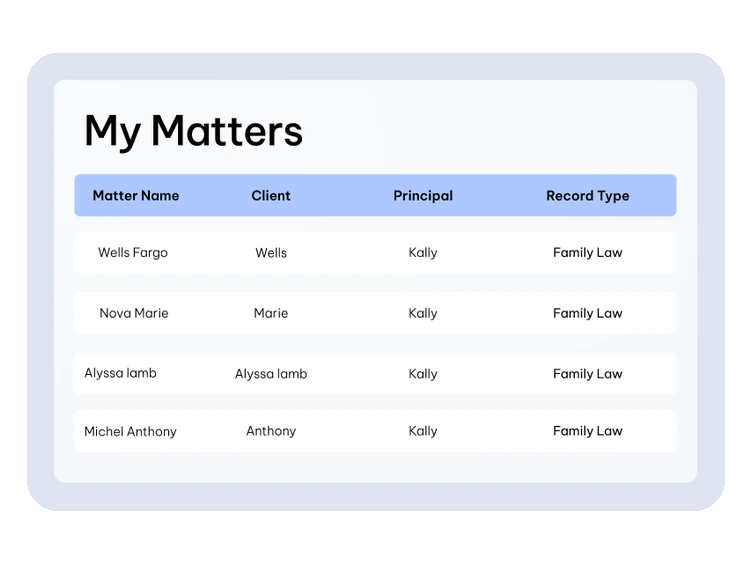
Case and matter management

Multi-party litigation files, deadlines, tasks, time capture and matter workflows.

Explore CaseQube
CaseQube My Matters table listing matters with client, principal and record type

CloudDoc

Document management

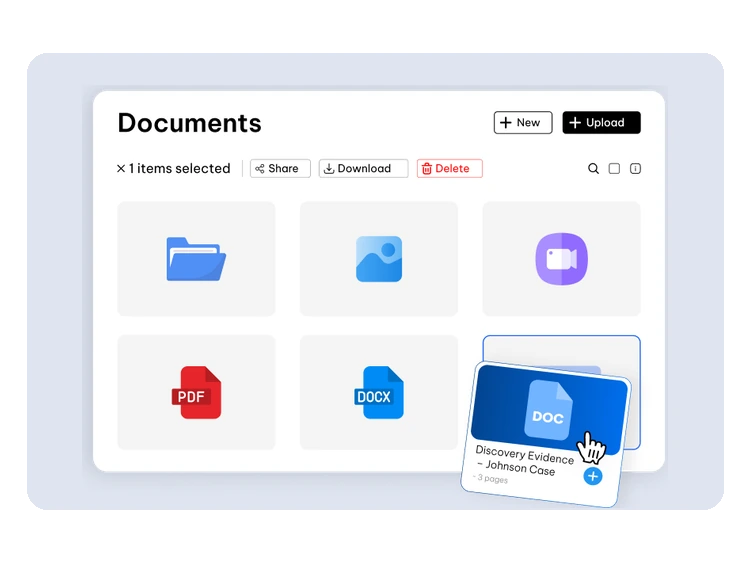
Pleadings, discovery, expert reports and correspondence, organized and searchable.

CloudDoc Documents panel with folders, PDF and Word files, and a case document being dragged inExplore CloudDoc

LawAccounting

Accounting, billing and trust

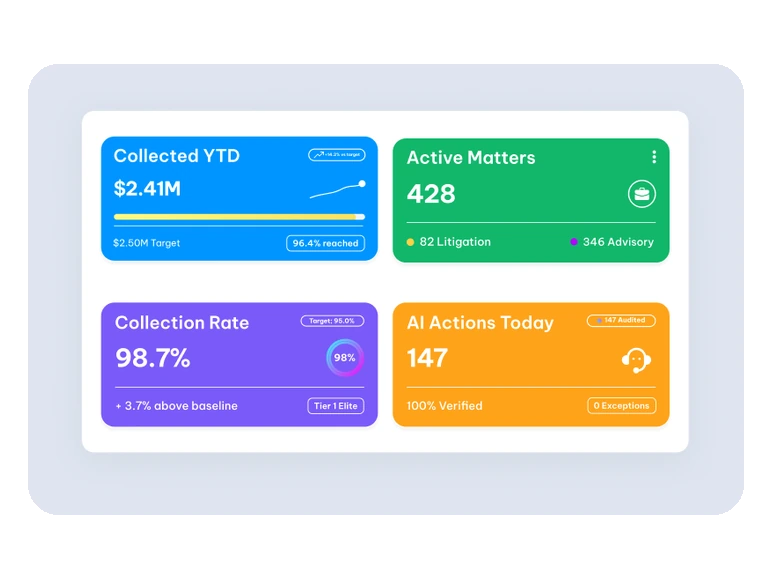
LEDES billing, UTBMS coding, case costs, receivables, reconciliation and reporting.

LawAccounting dashboard cards showing fees collected year to date, active matters, collection rate and AI actionsExplore LawAccounting

Maahi

Payments

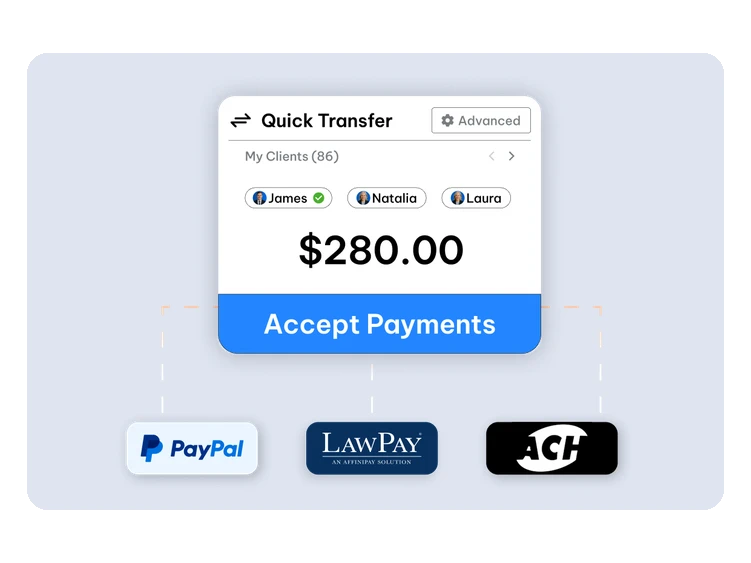
Card and ACH collection, invoicing and transaction tracking, posted to the client ledger.

Maahi Quick Transfer panel accepting a client payment by PayPal, LawPay or ACHExplore Maahi

Adopt one product or all four. Each runs on its own.

Frequently Asked Questions

Software built for firms that bill a carrier rather than the person they represent. It handles UTBMS coding, LEDES invoicing, rates that differ by panel, and the reporting carriers ask for, on top of managing the litigation itself.

LEDES is the file format carriers and corporate legal departments use to receive invoices electronically. Instead of a PDF, the firm sends a structured file listing each line of time and expense with its UTBMS codes, timekeeper, rate and narrative, which the carrier's system reads and reviews automatically. LawAccounting supports LEDES 1998B and LEDES XML 2.0.

UTBMS is the coding standard LEDES invoices use. Task codes describe the phase of work, such as case assessment or discovery. Activity codes describe what was actually done within it. Carriers use them to review spend across their panel, and an invoice coded incorrectly is a common cause of rejection.

Yes. Rates and billing rules are configured per client and per matter, so each panel's terms apply to the matters that belong to it. A firm working several panels runs one billing process rather than one per carrier.

Billed amounts and collected amounts both sit against the matter, so reductions and write-downs show up in realization reporting rather than disappearing. Reports break profitability down by client, matter and attorney, which for a defense firm means by panel.

No. LawAccounting is a full double-entry general ledger with a legal chart of accounts, trust accounting, accounts payable, accounts receivable and financial statements. Most case management platforms used by defense firms connect out to QuickBooks or a separate accounting system for this.

Carrier billing guidelines are the rules an insurance carrier sets for how outside counsel must bill. They can cover approved rates, timekeepers, UTBMS codes, expenses, billing narratives, and invoice submission requirements. Firms need to follow the guidelines that apply to each carrier and matter.

Pre-bill review is the final check before an invoice is submitted to a carrier. The firm reviews time entries, UTBMS codes, narratives, rates, expenses, and any necessary write-downs or adjustments before approving the bill.

Yes. LawAccounting tracks expenses at the matter level and supports hard and soft cost handling. This gives firms a record of the costs associated with each matter and helps keep those costs connected to billing and financial reporting.

Bring Your Carrier Billing Into One System

Manage LEDES invoicing, UTBMS coding, case costs, receivables, and reporting in a legal accounting platform built for law firms.