Workers' Compensation Law Firm Software for Fees, Trust and Settlements

Manage contingency fees, settlement funds, trust disbursements, case costs and matter reporting for workers' comp claims in one connected legal platform.

Workers' Compensation Billing Software | Contingency Fee Billing | Trust Accounting for Settlements | Matter-Level Financials

Workers’ compensation law firm software for fees, trust and settlements

What Workers' Compensation Practice Involves

Workers' compensation firms work on contingency, but the firm doesn't set the final fee. In most states a judge or board approves it, often capped as a percentage of the award. Cases close with a lump-sum settlement or an award paid over time, and the firm advances costs like medical records and depositions along the way.

When a settlement lands, the approved fee, lien payoffs, reimbursed costs and the client's share all come out of trust, each recorded against the right client. Most workers' comp software stops at the claim file and leaves that part to a separate system.

What LawAccounting Handles on a Workers' Compensation Matter

Contingency Fee Billing

Set the contingency arrangement on each matter and bill the fee the judge or board approved, not an estimate. Hourly, flat fee, retainer and hybrid billing run alongside it, with split and tiered fee structures for firms where workers' comp is one practice among several.
Trust Accounting for Settlements

Settlement funds sit in client and matter-level trust ledgers, so each injured worker's balance is tracked on its own. Overdraft and commingling alerts flag a problem before the transaction posts, not after the bank statement shows it.

Settlement Disbursement Tracking

Every payment out of trust posts against the client's ledger, whether it's the approved fee, a lien payoff, a cost reimbursement or the client's share. Earned fees move to operating with an approval trail, and the full sequence appears in the trust reports.

Case Cost Advances and Reimbursements

Costs the firm advances on a claim are recorded against the matter as hard or soft costs when they're incurred, with vendor bills, approvals and payment runs behind them. When the case resolves, the reimbursable amount is already known instead of rebuilt from receipts.

Matter Profitability Reporting

On contingency work, nobody knows what a case earned until it closes. Reports show fees, costs advanced, WIP and realization by matter, attorney and practice group, with drill-down to the transaction behind each number.

Claim Files and Case Documents

Medical records, claim forms, hearing notices and settlement documents are stored against the matter in CloudDoc, with OCR and tagging for full-text search and version history. Role-based permissions and share links with expiry and password protection keep medical and wage records limited to the people who need them.

Trust Accounting for Workers' Compensation Settlements

The fee is approved by someone outside the firm, the lienholders are waiting, and the client is counting on the rest. All of it runs through trust.

What's built in

Client and matter-level trust ledgers

Each client's settlement funds tracked separately against their matter.

IOLTA workflows

Deposits, fee transfers and payouts handled under trust rules from the start.

Earned fee transfers with approvals

Approved fees move from trust to operating with a recorded approval trail.

Three-way reconciliation

Bank balance, trust ledger and client ledger totals compared in a single view.

Overdraft and commingling alerts

Raised before a transaction posts, while it can still be fixed.

Trust reports and audit trail

State bar trust reports and a full transaction history, generated from live data.

When a workers' comp settlement comes in

  1. 01

    Fee approved.

    The amount the judge or board approved is recorded on the matter.

  2. 02

    Funds deposited.

    Settlement funds post to the client's trust ledger, and the bank feed picks up the deposit for reconciliation.

  3. 03

    Fee transferred.

    The approved fee moves to operating with an approval trail.

  4. 04

    Liens and costs paid.

    Lien payoffs and reimbursable costs are paid from trust and posted to the client's ledger.

  5. 05

    Client paid.

    The injured worker's share is disbursed and the ledger closes at zero.

  6. 06

    Everything reconciles.

    Bank, trust ledger and client ledger agree, and the trust reports show each step.

When an award is paid over time instead of in one lump sum, each payment posts against the same matter as it arrives, and what's still owed stays visible in receivables.

Where AI Does the Work

AI matches bank transactions to ledger entries during reconciliation, which saves real time when settlement checks and fee payments arrive from many carriers across many claims. It flags unusual activity in receivables and payables and picks up patterns across matters, clients and vendors. CloudDoc reads and tags documents as they arrive, so medical records and hearing notices are filed to the right matter. And you can ask questions about your ledger in plain English, so a partner who wants to know how much is sitting in trust across open workers' comp matters doesn't have to wait for a report.

AI output in this platform is a suggestion, not a decision. Every AI-assisted entry goes through the same review, approval and audit trail as anything entered by hand, and your team makes the final call.

One Platform, Four Products

LawAccounting is the financial core of the suite. The other products handle the work around the matter.

CaseQube

Case and matter management

Intake, claims, hearing dates, tasks and settlement workflows with lien tracking.

Explore CaseQube
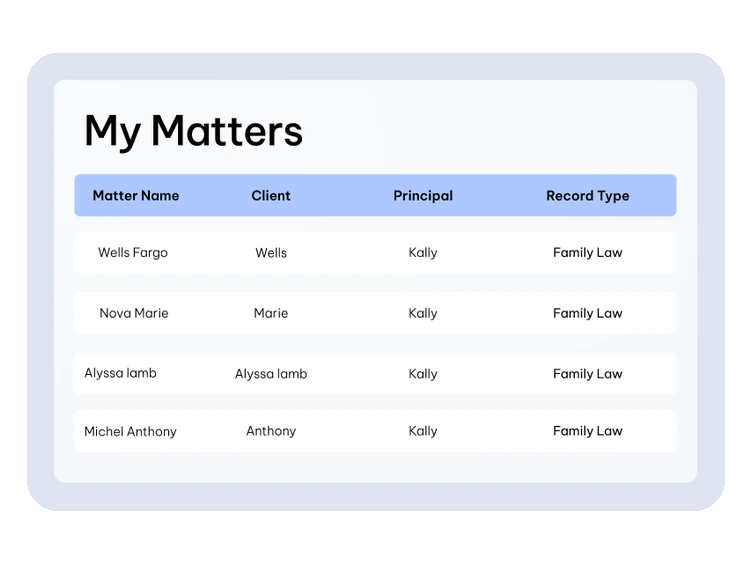
CaseQube My Matters table listing matters with client, principal and record type

CloudDoc

Document management

Medical records, claim forms, hearing notices and settlement documents, organized and searchable.

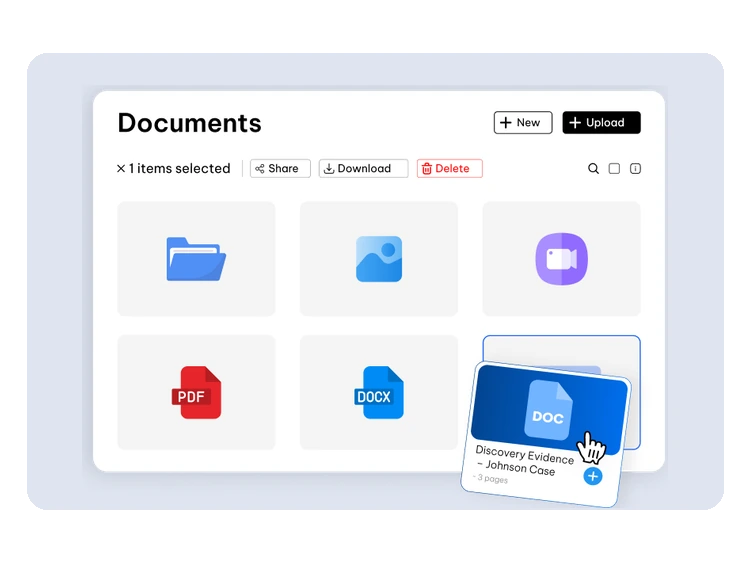
CloudDoc Documents panel with folders, PDF and Word files, and a case document being dragged inExplore CloudDoc

LawAccounting

Accounting, billing and trust

Contingency billing, trust accounting, settlement disbursements, case costs and reporting.

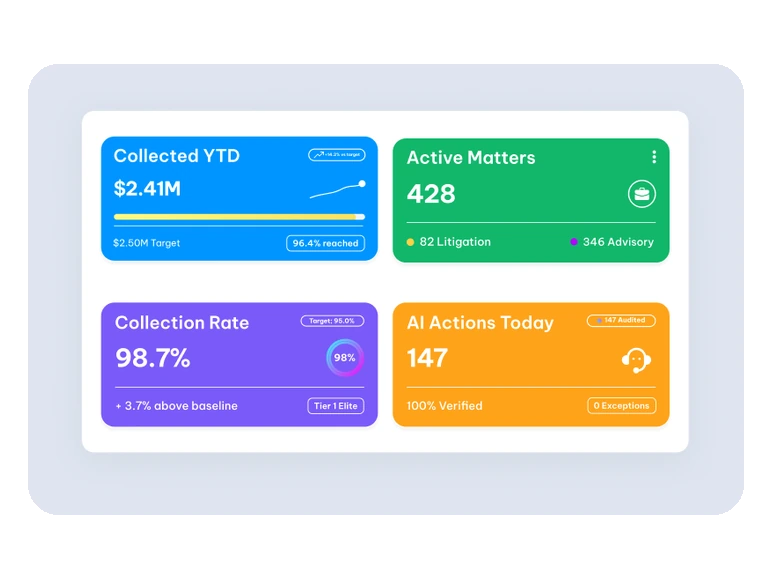
LawAccounting dashboard cards showing fees collected year to date, active matters, collection rate and AI actionsExplore LawAccounting

Maahi

Payments

Card and ACH collection, invoicing and transaction tracking, posted to the client ledger.

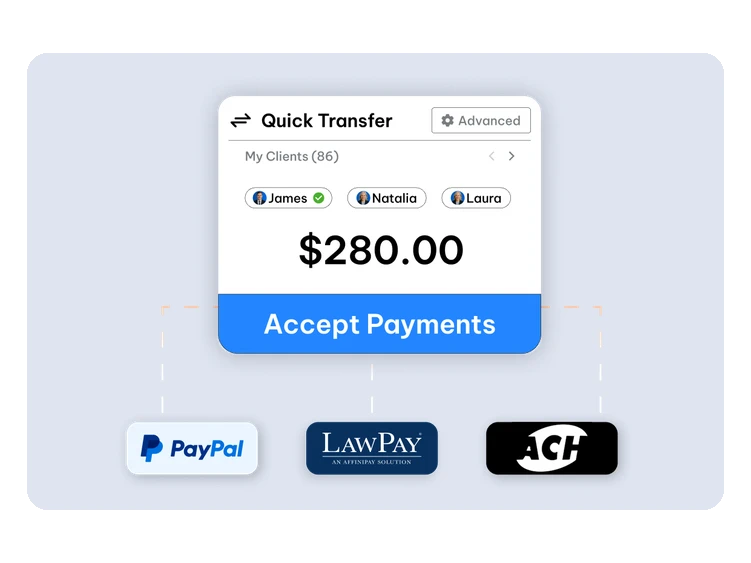
Maahi Quick Transfer panel accepting a client payment by PayPal, LawPay or ACHExplore Maahi

Adopt one product or all four. Each runs on its own.

Frequently Asked Questions

Software that helps firms run workers' comp claims and the money attached to them: intake, deadlines, documents, fees, trust accounting and payouts.

LawAccounting's connected suite covers case management, document management, legal billing, trust accounting, payments and financial reporting in one system.

Billing software built for how workers' comp fees actually work. It records contingency arrangements, bills the fee that was approved, tracks costs advanced on each claim and follows what is still owed.

LawAccounting supports contingency, hourly, flat fee, retainer and hybrid billing, set at the client and matter level.

Software that bills a fee based on a percentage of the client's recovery rather than hours worked.

LawAccounting supports contingency billing alongside hourly, flat fee, retainer and hybrid arrangements, plus split and tiered fee structures.

In most states a workers' compensation judge or board must approve the attorney's fee, and state law often caps it as a percentage of the award or settlement. The approved fee usually comes out of the client's recovery, though the rules on timing and payment differ by state.

LawAccounting records the approved fee on the matter and moves it from trust to operating with an approval trail.

It's the process of holding settlement funds in a trust account, separate from the firm's own money, until fees, liens, costs and the client's share are paid out.

LawAccounting provides client and matter-level trust ledgers, IOLTA workflows, overdraft and commingling alerts, and three-way reconciliation.

A client trust ledger records every deposit and payment made from trust for one client.

LawAccounting keeps a separate trust ledger for each client and matter, so balances never mix and each one reconciles against the bank.

Each payment out of a settlement is recorded against the client's trust ledger as it happens: the approved fee, lien payoffs, cost reimbursements and the client's share.

In LawAccounting, earned fees transfer to operating with an approval trail, and the full sequence shows in trust reports and the general ledger.

Medical providers or health insurers with liens are paid from the settlement before the client receives their share, in the amounts agreed or ordered.

Lien tracking and settlement splits are handled in CaseQube's settlement workflows. LawAccounting records each lien payment out of trust against the client's ledger.

Yes. Costs are recorded against the matter as hard or soft costs when they're incurred, with vendor bills, approvals and payment runs behind them. Cost advances and client reimbursements are tracked separately from costs the firm absorbs.

Three-way reconciliation compares the bank balance, the trust ledger and the total of all client ledgers. All three should match.

LawAccounting shows all three in one view, so trust reconciliation doesn't depend on a spreadsheet.

Yes. Reports show fees earned, costs advanced, WIP, realization and effective rate by matter, attorney and practice group, with drill-down to each transaction. Budget versus actual reporting is available at the matter level.

Yes. Bank feeds bring in transactions daily, AI-assisted matching pairs them with ledger entries, batch invoicing handles billing across many matters, and reports roll up across the whole caseload while still drilling down to a single claim.

Software that organizes the claim itself: intake, deadlines, hearings, tasks, documents and client communication.

In the LawAccounting suite, that work is handled by CaseQube, which connects to LawAccounting so the financial side of each claim stays tied to the matter.

No. LawAccounting is a full double-entry general ledger with trust accounting, accounts payable, accounts receivable and financial statements, and it supports migration from QuickBooks. Many workers' comp case management platforms connect out to QuickBooks or another accounting system for this.

Both. LawAccounting runs on Salesforce and can be used on its own, with CaseQube, or alongside other practice management systems.

LawAccounting includes Balance Sheet, P&L, Trial Balance, Client Ledger, AR Aging, WIP, realization, originations, state bar trust reports and custom dashboards, with export to Excel.

Run Workers' Comp Fees, Trust and Settlements in One System

Manage contingency billing, settlement funds, disbursements, case costs and reporting with legal accounting software made for law firms.