Legal Technology September 15, 2026 7 min read
How to Choose the Best AI Document Management Software for Your Law Firm in 2026
AI document management software for law firms does more than store files: it runs OCR on scanned records, classifies documents, extracts fields like provider names and treatment dates, and triggers the next task automatically. This guide covers what to test before you buy, whether the accuracy is reliable enough yet, and how to match the tool to where documents actually pile up in your firm.
Ask a paralegal at a personal injury firm what happens when a hospital sends 1,400 pages of records as a single scanned PDF. It gets saved to the matter folder. Someone renames it. Weeks later, someone else opens it, scrolls for twenty minutes, and finally finds the date of first treatment.
The file was never lost. It just couldn't be read by anything except a person.
That's the difference between document storage and document management. Storage keeps files safe and organized. AI document management reads what's inside them, sorts them, pulls out the data you need, and starts the next piece of work. This guide covers what these tools actually do, what to check before you buy one, whether the accuracy is good enough yet, and how to figure out which type fits your firm.
📄 What is AI document management software?
A traditional document management system gives you matter-based folders, version control, permissions, and search by filename or metadata. Useful, but it treats every document as a container. You still have to open it to know what's in it.
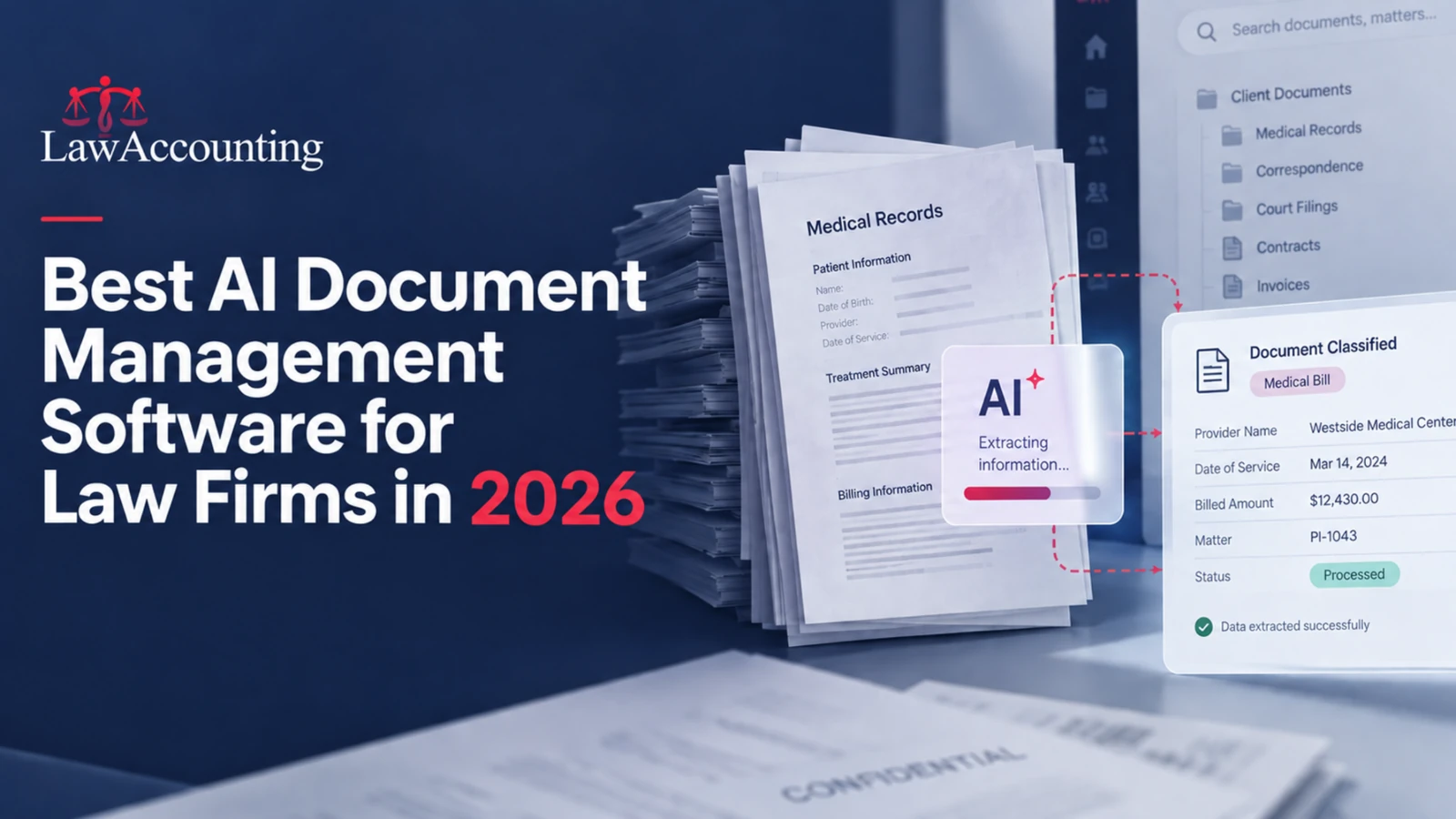
AI document management adds four things on top. OCR turns scanned records, faxes, and photographed documents into searchable text instead of flat images. Classification identifies what a document is, whether that's a medical bill, a retainer agreement, or a court filing, and files it without anyone choosing a folder. Data extraction pulls specific fields out: provider names, treatment dates, billed amounts, contract dates, party names. And workflow triggers mean an upload can create a task, update a matter field, or route the file to the right person.
That last one is where most of the time savings come from. Everything else just gets a file into the right place faster.
📈 Why law firms in 2026 need AI document management software
AI adoption in law firms is real but uneven. The ABA's 2024 Legal Technology Survey Report found 30% of responding lawyers were using AI, up from 11% the year before. The split by firm size was wide: 46% at firms with 100 or more attorneys, 18% among solo practitioners.
Document volume, meanwhile, hasn't changed direction. A single personal injury matter can involve records from six providers. An immigration case runs on forms, IDs, letters, and evidence packets. A litigation file collects filings, exhibits, and discovery productions that arrive faster than anyone can name them.
The cost of handling that manually isn't dramatic, which is exactly why it goes unnoticed. It's twenty minutes of scrolling here, a paralegal re-keying dates into a spreadsheet there, a duplicate set of records requested because nobody could confirm the first set arrived. None of it is billable, and all of it happens every week.
Firms that handle this well tend to be the ones that automated the intake step. Not the analysis or the strategy, but the sorting, naming, extracting, and routing that has to happen before a lawyer can do anything useful with the file.
🔍 What to consider when choosing AI document management software for law firms
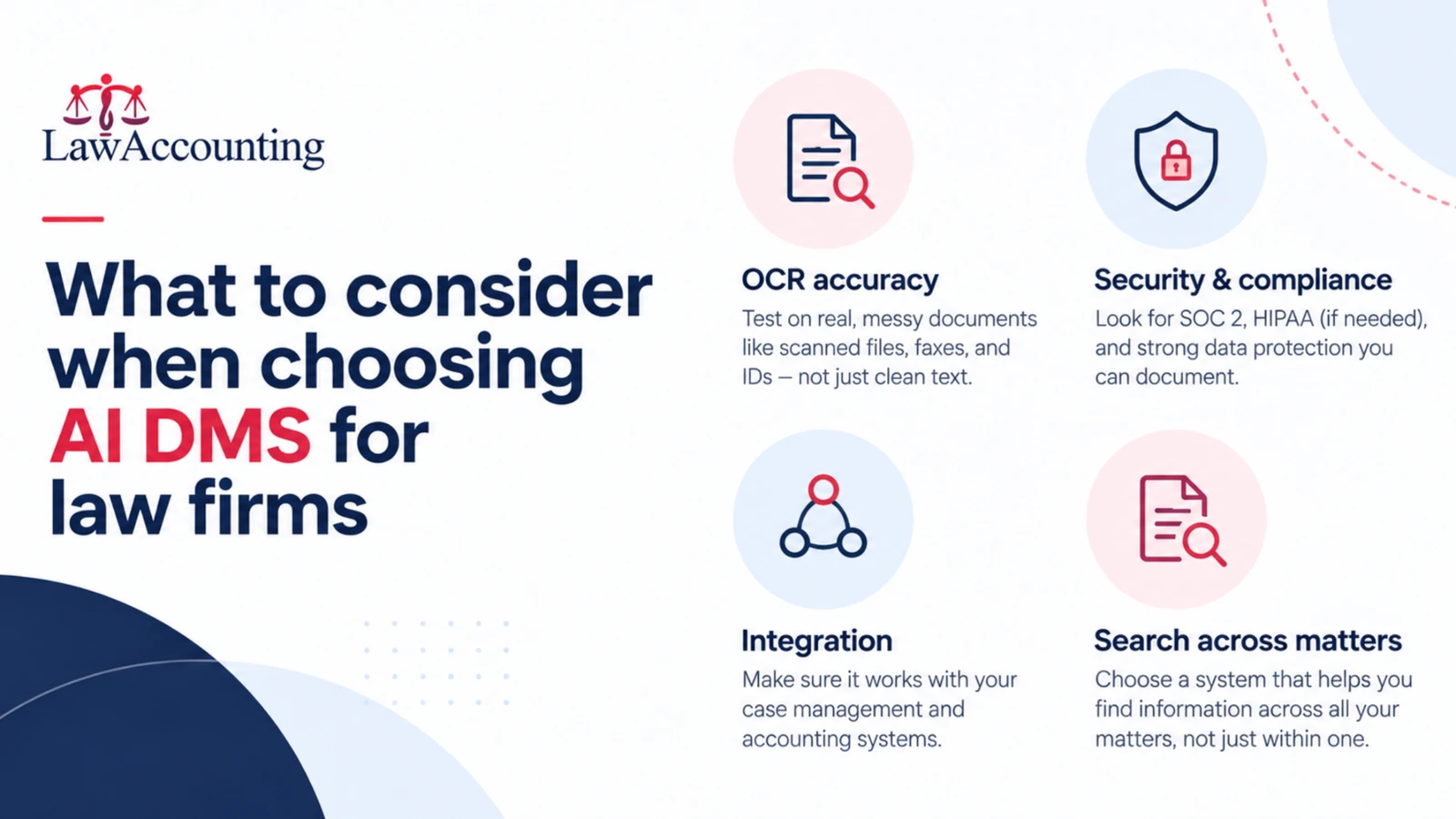
OCR accuracy on your worst documents. Vendors quote accuracy on clean text. Test on a bad fax and a photographed ID. The gap between 95% and 99% sounds small, but on a 300-word page that's 15 wrong words versus 3. Across 1,400 pages, that difference decides whether the extracted data is usable.
How many document types it recognizes. Classification only saves time if it covers what your firm actually receives. Ask for the list and check it against your last month of uploads.
What happens after the upload. This is what separates real document management from search with extra steps. Some systems file the document neatly and stop there. Others create the task, populate the matter field, and notify the assigned attorney. Ask which one you're buying.
Search that crosses matters. Finding a document inside a matter is easy. Finding every retainer agreement with a specific fee structure across 300 matters is the harder problem, and it's the one worth paying for.
Security you can document. SOC 2 means an independent auditor tested the controls over a period of months, not that the vendor filled out a questionnaire. If you handle medical records, confirm HIPAA compliance separately. Under ABA Model Rule 1.6, protecting client confidentiality stays your obligation regardless of which vendor holds the files.
Integration with your case management and accounting systems. A document system that can't push extracted data into your matter record or your billing system creates a second place where information lives. That's usually worse than the problem you were solving.
Migration. Ask specifically what happens to your existing files and folder structure, who does the work, and how long it takes. Vague answers here tend to become six-month implementations.
⚖️ Is AI legal document analysis accurate enough to rely on?
Accurate enough to use, not accurate enough to skip review. A Stanford RegLab and HAI study published in the Journal of Empirical Legal Studies tested leading legal AI research tools across more than 200 queries and found hallucination rates between 17% and 33%, despite marketing claims to the contrary. Extraction and classification hold up better than open-ended legal reasoning, but a human still verifies the output. ABA Formal Opinion 512 is clear that the duty of competence requires independent verification, and that duty doesn't transfer to a vendor.
🧭 Which AI document management software is right for you?
Start with where documents actually pile up in your firm.
If your bottleneck is governance at scale, meaning thousands of matters, complex permissions, and strict retention rules, you're looking at an enterprise DMS. Expect a certified implementation partner and a long rollout.
If your bottleneck is basic organization and you're a small firm already running a practice management platform, the document features built into that platform may be enough. A separate system adds cost without solving a problem you have.
If your bottleneck is intake volume, with high-page-count records arriving constantly in mixed formats and needing to be sorted and mined before work can start, you need OCR and extraction that hold up on messy scans, plus workflows that fire automatically. This is the case for most personal injury, immigration, and mass tort practices. It's also the case enterprise DMS platforms handle least well, because they were built to govern documents rather than process them.
🏛️ Why choose LawAccounting for AI document management
CloudDoc is built for that third case.
It runs 99%+ OCR accuracy and supports over 50 document types out of the box, so the classification covers what actually arrives at a legal intake desk rather than a generic business one. Extracted data doesn't sit in the document. It populates matter fields, creates tasks, and routes files into the right folders automatically. Firms using it report document review moving roughly 10x faster, most of which is time no longer spent searching, naming, and re-keying.
99%+ OCR Accuracy
Scans, faxes, and photographed documents turned into searchable text.
50+ Document Types
Classification built for a legal intake desk, not generic business paperwork.
Extraction to Workflow
Fields populate matters, create tasks, and route files automatically.
SOC 2
Folder-level access control, version history, audit trails.
Search works across matters and metadata, and you can ask questions of the documents directly instead of opening them one at a time. Security is SOC 2 certified, with folder-level access control, version history, and full audit trails.
The part that matters for firms already running our stack: CloudDoc connects directly to CaseQube and LawAccounting. A medical bill that comes in gets read, classified, extracted, and reflected in the matter and the financial record without anyone retyping a number.
Best for firms handling high volumes of scanned intake documents, including personal injury records and bills, immigration files, and litigation filings, that want extraction and workflow rather than storage alone. Not ideal for firms whose primary need is production-scale eDiscovery review.
📌 Bottom line
Most firms don't need better folders. They need the documents already in those folders to be readable, searchable, and connected to the work that follows. Judge any tool on four things: OCR accuracy on your worst scans, whether it recognizes your document types, what it does after the upload, and whether it connects to the systems you already run.
If your team spends more time handling documents than using them, that's the problem worth fixing first.
- Storage keeps files safe; AI document management reads them, classifies them, extracts fields, and triggers the next step.
- The workflow trigger is where most of the time savings come from, not the search or the filing.
- ABA's 2024 survey put lawyer AI use at 30%, up from 11%, but only 18% among solo practitioners versus 46% at firms of 100 or more attorneys.
- Test OCR on your five worst documents: on a 300-word page, 95% accuracy means 15 wrong words and 99% means 3.
- A Stanford RegLab and HAI study found hallucination rates of 17% to 33% in leading legal AI research tools, and ABA Formal Opinion 512 places the verification duty on you, not the vendor.
- Match the tool to your bottleneck: enterprise DMS for governance at scale, built-in features for basic organization, OCR and extraction with workflow for high intake volume.
This article is general operational guidance, not legal or ethics advice. Professional conduct rules vary by jurisdiction; confirm your obligations with your state bar.
🚀 See CloudDoc Read Your Own Documents
Bring your messiest scans to the demo and watch CloudDoc classify them, extract the fields, and post the results into LawAccounting.
Schedule Your Demo →