Legal Accounting October 7, 2026 9 min read
What Is the Best Accounting Software for Mid-Size Law Firms in 2026?
Last updated: November 2026
Written by Ramit Kaur · Head of Marketing, LawAccounting
For most law firms with 20 to 100 users, the best choice is all-in-one legal accounting software that keeps trust accounting, billing and the general ledger in one system, so there is no monthly sync to reconcile. LawAccounting is one example: it is built on Salesforce and includes IOLTA three-way reconciliation, LEDES billing and matter-level reporting. Firms whose accountant requires QuickBooks may prefer a legal billing layer synced to QuickBooks instead.
Most lists of the best law firm accounting software in 2026 are written for solo attorneys and small firms. Their advice works at five users. It starts to break at fifty. This guide is for the controller, CFO, firm administrator, or managing partner choosing legal accounting software for a mid-size firm. It covers what changes at your size, which features to require, the four main ways firms set up their accounting, and what each one costs you.
Quick comparison
| Setup | How trust and the general ledger connect | Monthly reconciliation work | Best fit |
|---|---|---|---|
| All-in-one legal accounting software | Same system, same data | Lowest | Most firms with 20 to 100 users |
| Practice management + QuickBooks | Sync between two systems | High | Small firms, or firms whose accountant requires QuickBooks |
| Legal billing layer + QuickBooks | Two-way sync | Medium | Firms committed to QuickBooks but needing legal billing |
| Trust-only tool + general accounting | Separate systems | High | Small firms with simple billing |
Why mid-size firms need different accounting software
Accounting software for mid-sized law firms has to handle problems a five-person firm never runs into. At a small firm, one person often handles billing, trust, and the books, and they know where every number came from. At a mid-size firm, that work is split across a billing team, an accounting manager, and partners who want reports by office or practice group.
A few things get harder at this size. You probably have multiple trust accounts, and each one has to be reconciled on its own against hundreds of client ledgers. You may need accrual accounting for law firms your size, because partners, lenders, and auditors often want accrual reports, not just cash basis. Permissions start to matter, because not everyone who enters time should see partner draws or bank balances. And month-end close now involves more people and more systems.
That last one causes the most trouble. A recent industry comparison noted that most medium-sized firms still keep a separate QuickBooks file, which has to be matched against the billing platform every month. Every system you add is another place a number can go wrong.
Do law firms need special accounting software?
Yes, if you hold client money in trust. General accounting tools are built for businesses that own all the money in their bank accounts. A law firm doesn't. Money in a trust or IOLTA account belongs to clients, and each client's balance has to be tracked and reconciled separately. IOLTA accounting software is built around that separation.
Trust accounting software for law firms keeps a ledger for every client and produces a three-way trust reconciliation, where the bank statement, the trust ledger, and the total of all client ledgers have to agree. The ABA's guidance on trust account records treats quarterly reconciliation as the minimum and recommends monthly, since an error is hard to track down across three months of transactions. Your state may require monthly. We explain the process step by step in our guide to three-way reconciliation for law firm trust accounts.
Can a mid-size law firm use QuickBooks?
It can, but not on its own. QuickBooks can run your general ledger, but it doesn't enforce trust accounting rules or handle matter-based billing. Firms that keep it usually pair it with legal software that syncs data into it.
That setup works for many small firms. At a mid-size firm, the cost is the sync. Every month someone has to confirm that the legal system and QuickBooks agree, and when they don't, someone has to find out why. If your accounting team spends the first days of every month on that, QuickBooks is costing you more than its subscription. Law firm general ledger software with trust accounting built in removes that step, which is why many firms look for a QuickBooks alternative for law firms once they pass 20 or so users.
What features should law firm accounting software have?
For midsize law firm accounting software, these are the features to require:
- Trust accounting with three-way reconciliation across multiple trust accounts, not just one
- A general ledger inside the system, or a two-way sync you've tested with your own data
- Both accrual and cash reporting
- Reports by office, practice group, partner, and matter
- User permissions by role
- Billing for the fee arrangements you actually use, including LEDES if you bill insurers or corporate clients
- An audit trail on every trust transaction
- Bank feeds, so transactions don't have to be typed in
We go deeper on each of these in our law firm accounting software requirements checklist.
The best accounting software for mid-size law firms: four setups compared
Most legal billing and accounting software falls into one of four setups. Which one you choose decides how much time your team spends reconciling every month.
All-in-one legal accounting software
Trust accounting, billing, matter data, and the general ledger all sit in one system. When a payment comes in, it updates the client's trust ledger, the invoice, and the firm's books in one step. There's nothing to sync, so the numbers can't drift apart.
This is the setup that fits most firms with 20 to 100 users. The trade-off is setup time. Moving your general ledger into a new system takes longer than adding a billing tool, and your outside accountant has to be comfortable working in it.
Practice management software plus QuickBooks
Legal practice management software handles matters, time, billing, and trust ledgers. QuickBooks handles the firm's books. Data passes between them through an integration.
This is common at small firms because it's familiar and cheap to start. At mid-size, the monthly reconciliation between the two systems becomes real work, and many practice management tools only report on a cash basis.
Legal billing layer synced to QuickBooks
A legal billing and trust tool sits on top of QuickBooks with a two-way sync, so changes in either system flow to the other. It's a tighter connection than a basic integration.
It fits firms whose accountant won't move off QuickBooks. You're still paying for and maintaining two systems, just with a better link between them.
Trust-only tool plus general accounting
A dedicated trust accounting tool handles client ledgers and reconciliation, while general accounting software handles everything else. It's the simplest way to cover trust compliance.
It works for small firms with straightforward billing. For a mid-size firm, it adds a third system next to billing and the books, which makes month-end harder, not easier.
Where LawAccounting fits
LawAccounting is our product, so read this section with that in mind.
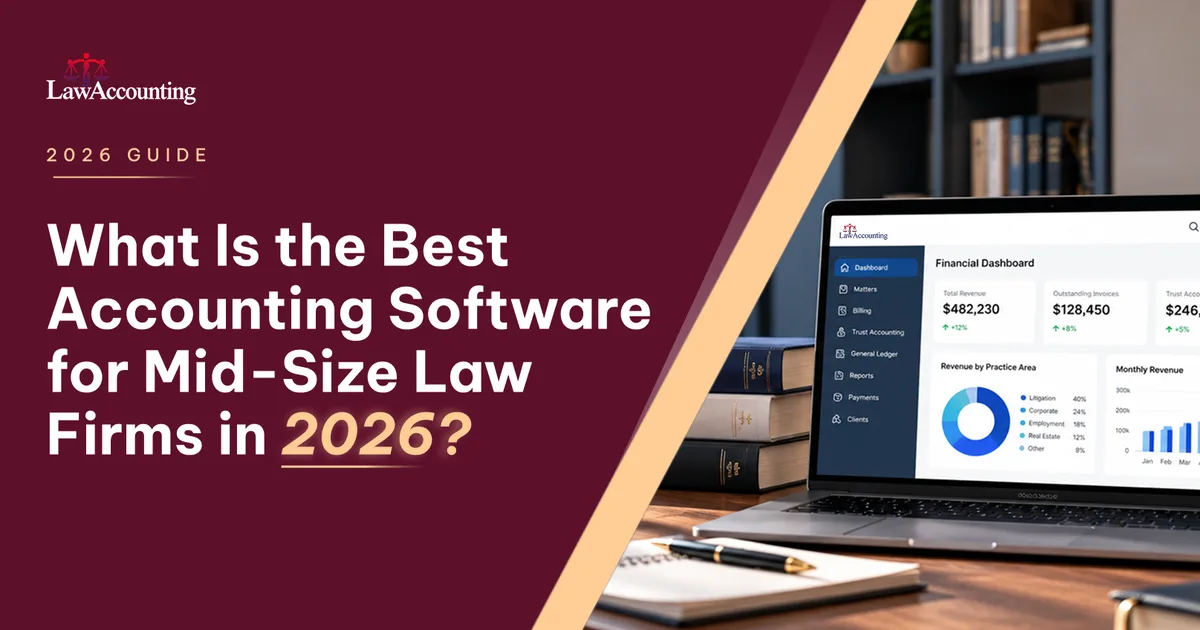
LawAccounting is all-in-one legal accounting software that runs on Salesforce. It puts case management, accounting, billing, payments, document management, trust accounting, reporting, and automation in one platform. Because billing, trust, and the firm's books sit in the same system, there's no second system to reconcile at month end.
For trust accounting, it handles IOLTA accounts with three-way reconciliation. You can apply trust funds or receipts against specific billing lines and record trust receipts in bulk, which saves time when a firm handles a high volume of client deposits. Billing includes LEDES e-billing for insurers and corporate clients, and financial reporting goes down to the matter level.
If your firm already uses Litify, LawAccounting works inside the same Salesforce environment and reads Litify records directly, so case data and financial data stay connected without an outside sync.
On security, LawAccounting LLC is SOC 2 certified, and the platform runs on Salesforce's infrastructure.
Pricing for the Complete Platform starts at $100 per user per month. Firms start with the core platform and add only the modules they need.
It fits mid-size firms that want one platform instead of practice management plus QuickBooks, firms already working in Salesforce or Litify, and firms that bill insurers or corporate clients through LEDES.
How much does law firm accounting software cost?
Most legal accounting software is priced per user per month. Published prices for legal practice software with accounting generally run from about $49 to $130 per user, but platforms built for mid-size firms usually quote based on firm size and modules, and many add an implementation fee.
The per-user price is only part of law firm accounting software pricing. Also count data migration, training, a QuickBooks subscription if you run two systems, and the staff time spent reconciling those systems every month.
The math adds up fast at your size. For a 50-user firm, the difference between $80 and $110 per user is $18,000 a year. That's worth weighing against how many hours your team currently spends on month-end close.
Is it better to have accounting and practice management in one system?
For most mid-size firms, yes. When trust, billing, and the general ledger share one database, the numbers can't drift apart, and month-end close gets shorter. All-in-one legal accounting software also gives partners reports without someone stitching together exports.
Two systems still make sense if your outside accountant is committed to QuickBooks, or your firm already has a general ledger it's happy with. We compare the two approaches in legal accounting vs. practice management software.
When should a law firm switch accounting software?
Look at switching when month-end close keeps getting longer, when reconciliation happens in spreadsheets outside the system, or when partner reports take days to produce. Adding a new office or trust account often exposes the limits of a system that was fine at 15 users. So does depending on one person who knows all the workarounds.
How to choose
Ask each vendor to show you your own month-end, not their demo script. Have them reconcile more than one trust account, run an accrual profit and loss, and produce a partner report by practice group. Ask how long implementation takes at a firm your size, who handles data migration, and whether you can speak with a current customer of similar size.
FAQ
Does law firm accounting software handle three-way reconciliation?
Legal-specific software usually does, but check where it sits. In some products it's included, and in others it's a paid add-on. General accounting tools like QuickBooks don't do it without a legal layer on top.
What is the best accounting software for a mid-size law firm?
For most firms with 20 to 100 users, it's all-in-one legal accounting software that keeps trust, billing, and the general ledger in one system and supports accrual reporting, multiple trust accounts, and role-based permissions.
How long does it take to switch accounting software?
It depends on the system and how clean your data is. All-in-one platforms with a full general ledger take longer to set up than billing-only tools. Ask each vendor for a timeline based on firms your size.
What features should accounting software for a mid-size law firm have?
At minimum: three-way trust reconciliation across multiple trust accounts, a built-in general ledger or a well-tested sync, accrual and cash reporting, reports by office and practice group, role-based permissions, LEDES billing, a trust audit trail and bank feeds.
Can a mid-size law firm use QuickBooks for trust accounting?
QuickBooks can run the general ledger, but it does not enforce trust accounting rules or matter-level billing on its own. At 20 to 100 users, the monthly work of syncing and reconciling it with a legal billing tool usually becomes the biggest hidden cost.
How much does law firm accounting software cost?
Legal software with built-in accounting typically costs about $49 to $130 per user per month. Also budget for data migration, training and the staff time spent on reconciliation. LawAccounting pricing starts at $100 per user per month.
Is it better to have accounting and practice management in one system?
For most mid-size firms, yes. One system removes the monthly sync between tools and gives partners live numbers. Two systems can still make sense if your accountant insists on QuickBooks.
See LawAccounting in action
Bring your own month-end and we'll walk through it on one platform.
Book a demo