Accounting reports provide firms with clear, consistent insight into their financial health and operational performance. They help track cash flow, monitor receivables and payables, ensure trust and bank reconciliation accuracy, and support timely decision-making. By using standardized, out-of-the-box reports, firms maintain financial transparency, improve compliance, identify risks early, and rely on a single source of truth for day-to-day management and long-term planning.
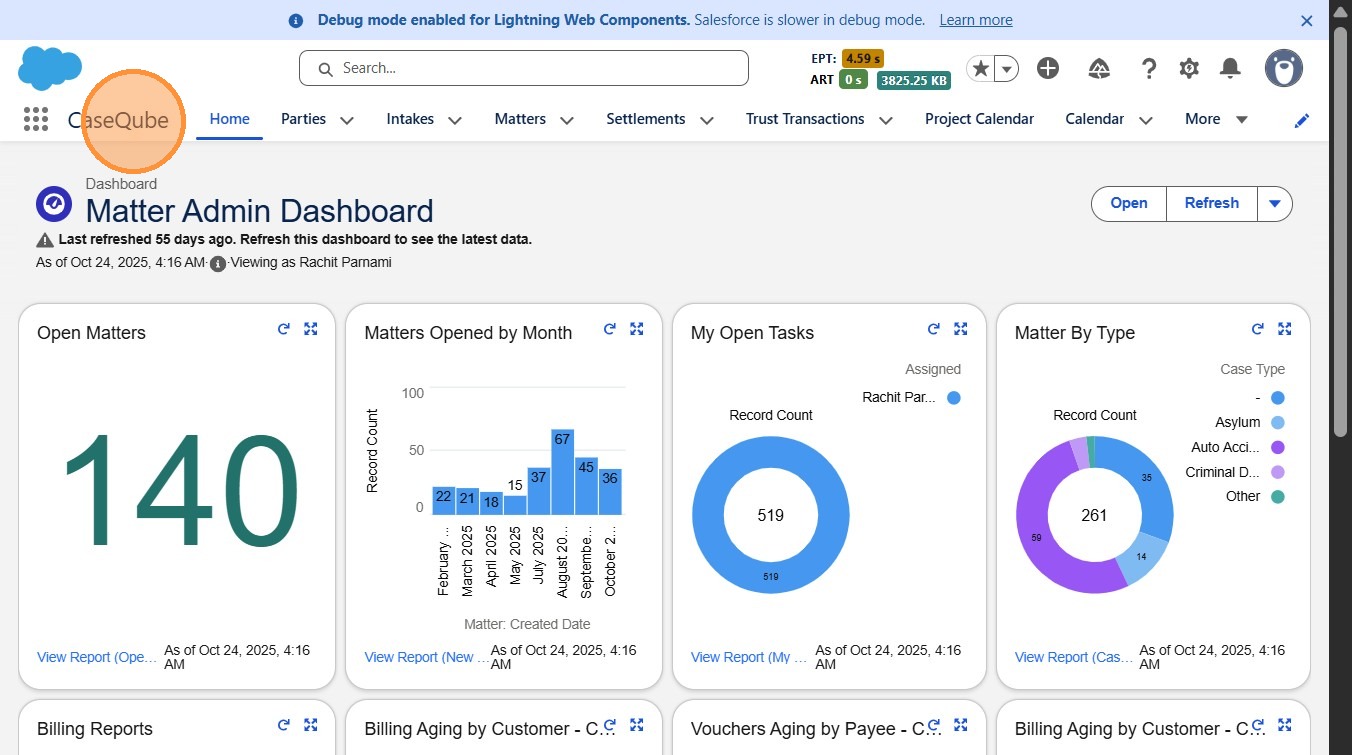
1. Step 1: Login to Salesforce
- Login to SalesForce using secure credentials
 />
2. ### Step 2: Navigate to Reports
- Using the applauncher, open the Reports App
 />
3. ### Step 3: Open the Accounting Reports Folder
- Within the Reports section, locate and select the Accounting Reports folder.
 />
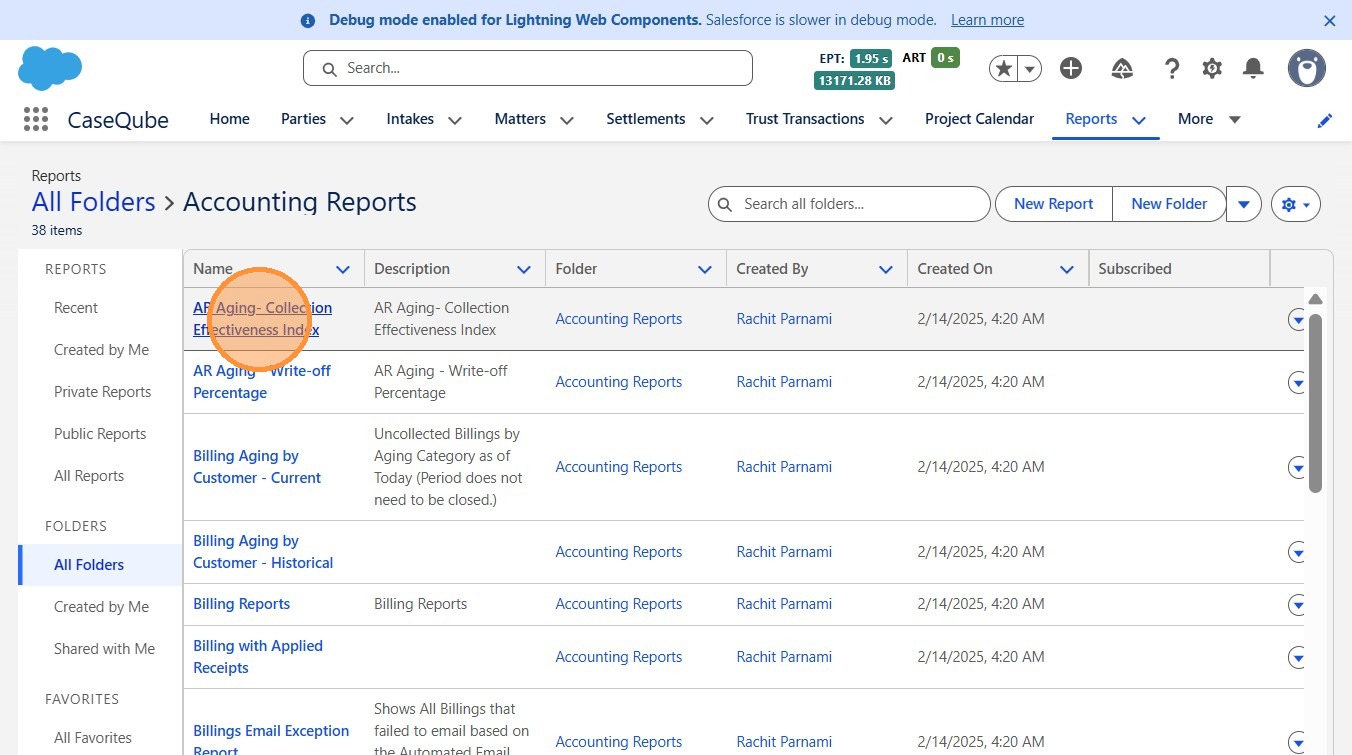
4. ### Step 4: Choose a Standard Report
Select the standard accounting report you want to run
 />
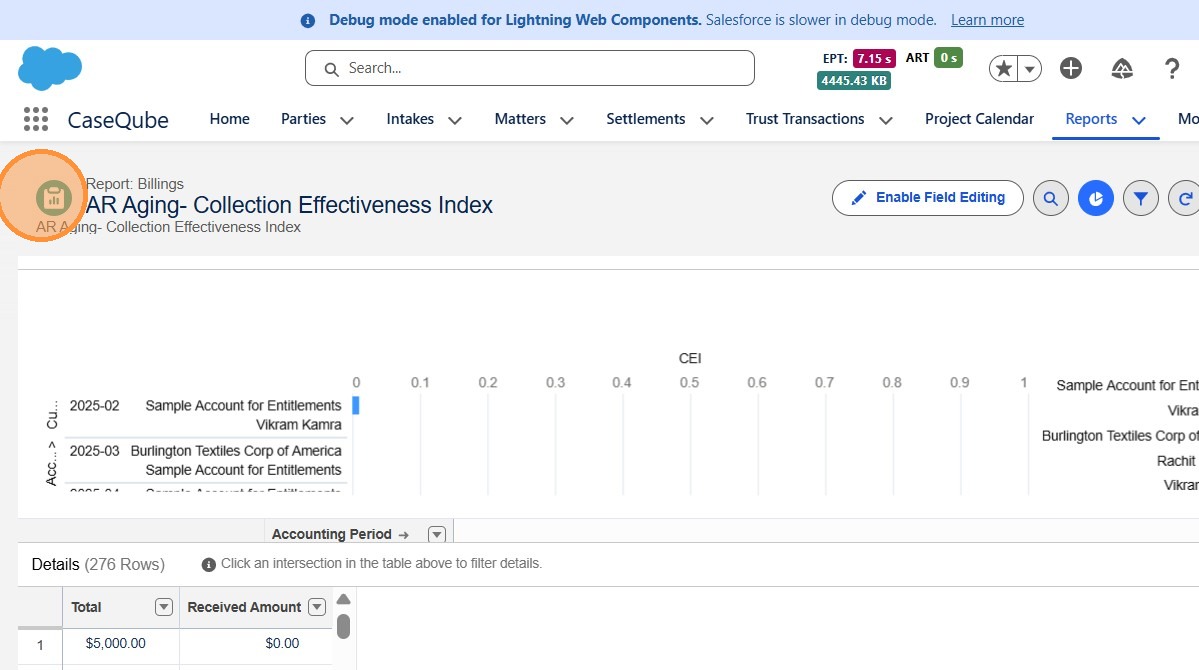
5. Step 5: Review and Export the Report
- Review the report results on screen. If needed, export the report to PDF or Excel, or print for records.
 />