Three-way trust reconciliation ensures that a law firm’s: 1.)Trust bank account balance 2.)Law Accounting trust transactions 3.)Client trust ledger balances all match and reconcile correctly. This process is critical for: Preventing misuse of client funds Ensuring accurate client billing Maintaining compliance with ethical and regulatory requirements LawAccounting provides a one-click, real-time Three-Way Trust Reconciliation screen to simplify this process.
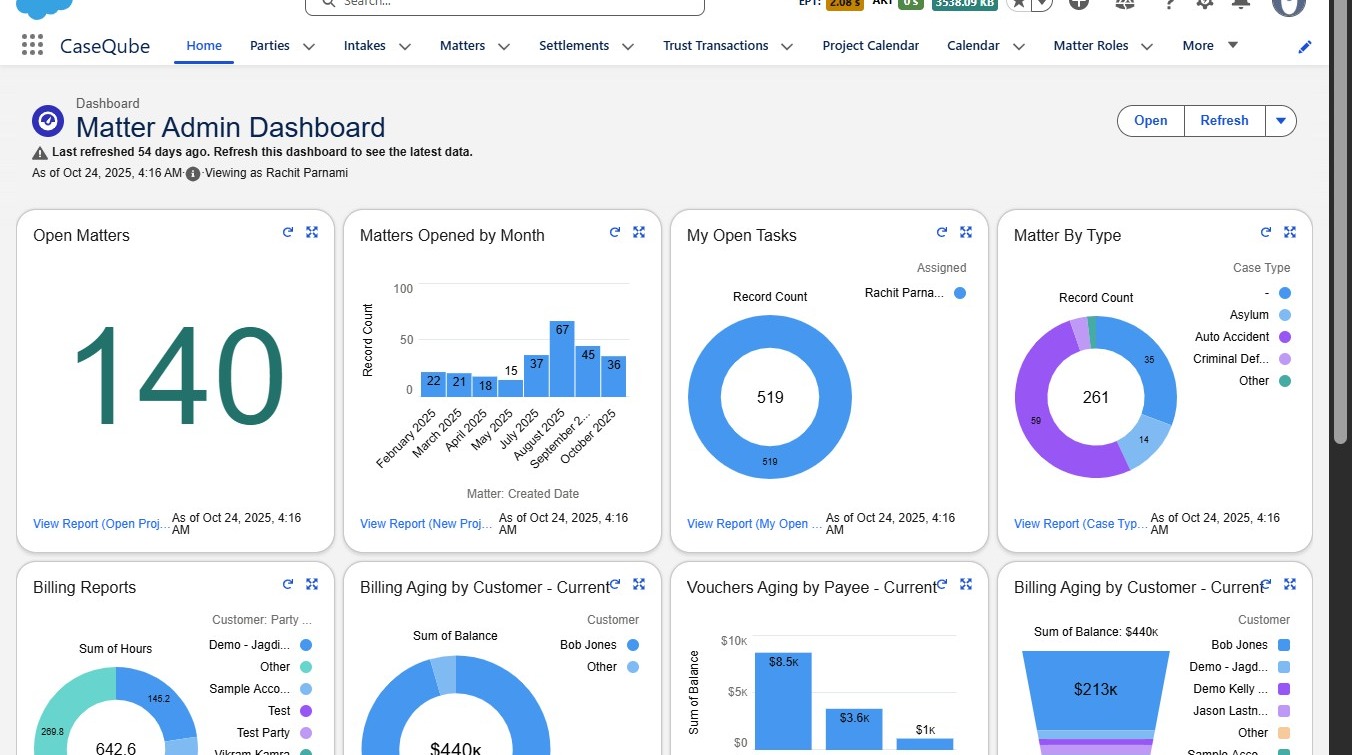
1. Step 1: Login to SalesForce
-Login using secure credentials
 />
2. ### Step 2: Navigate to the Trust Management App
-
Open the Trust Management App from the App Launcher
-
Click on the Three-Way Reconciliation tab.
 />
3. ### Step 3: Enter Reconciliation Parameters
Complete the following fields:
-
Bank:
Select the Trust Bank you want to reconcile. -
Till Date:
Enter the date through which you want the reconciliation run.- Example: If you select 12/25, the system will include all records up to that date.
-
Click Next to initiate the reconciliation
Once initiated, the system automatically gathers data from:
-
Trust Bank
-
Securely connected via Plaid
-
Displays the current trust bank balance
-
-
LawAccounting Transactions
-
Includes receipts, deposits, disbursements, and withdrawal slips
-
Shows transactions not yet cleared by the bank
-
-
Client Ledger Trust Totals
- Reflects the total funds allocated to each client based on trust activity
-
 />
4. ## Step 4: Understanding the Reconciliation Screen
Screen Layout & Navigation
-
Left Screen
- Combines the current bank balance with any outstanding uncleared transactions
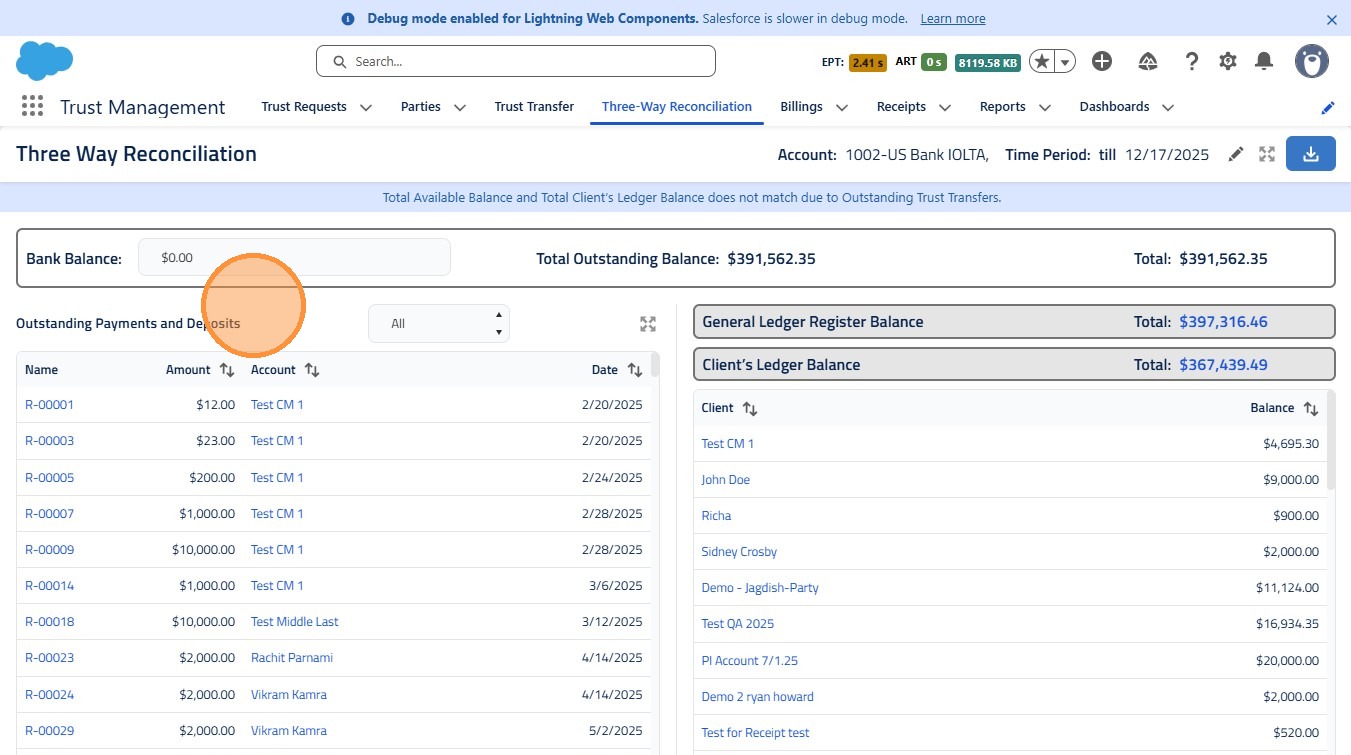 />
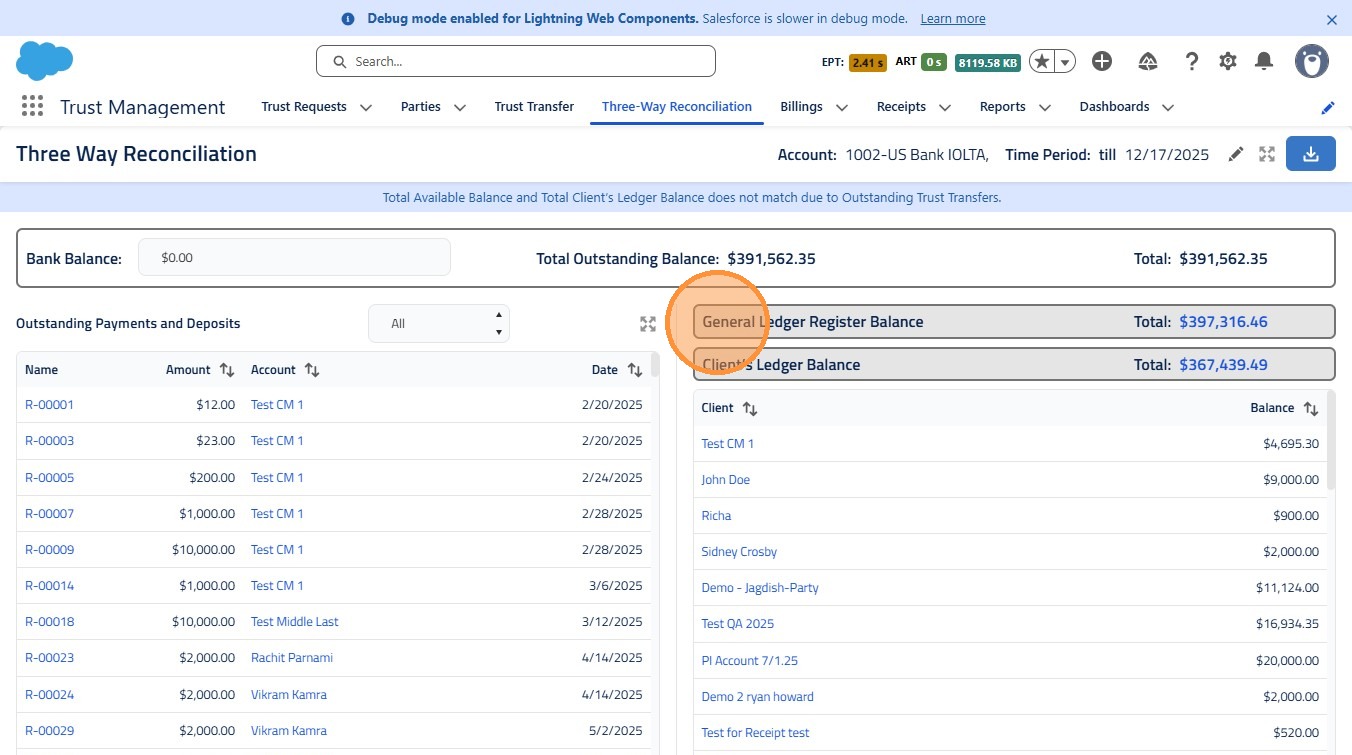
5. - Right Upper Screen – Total LawAccounting Transactions
- Displays all debits and credits impacting the trust account
 />
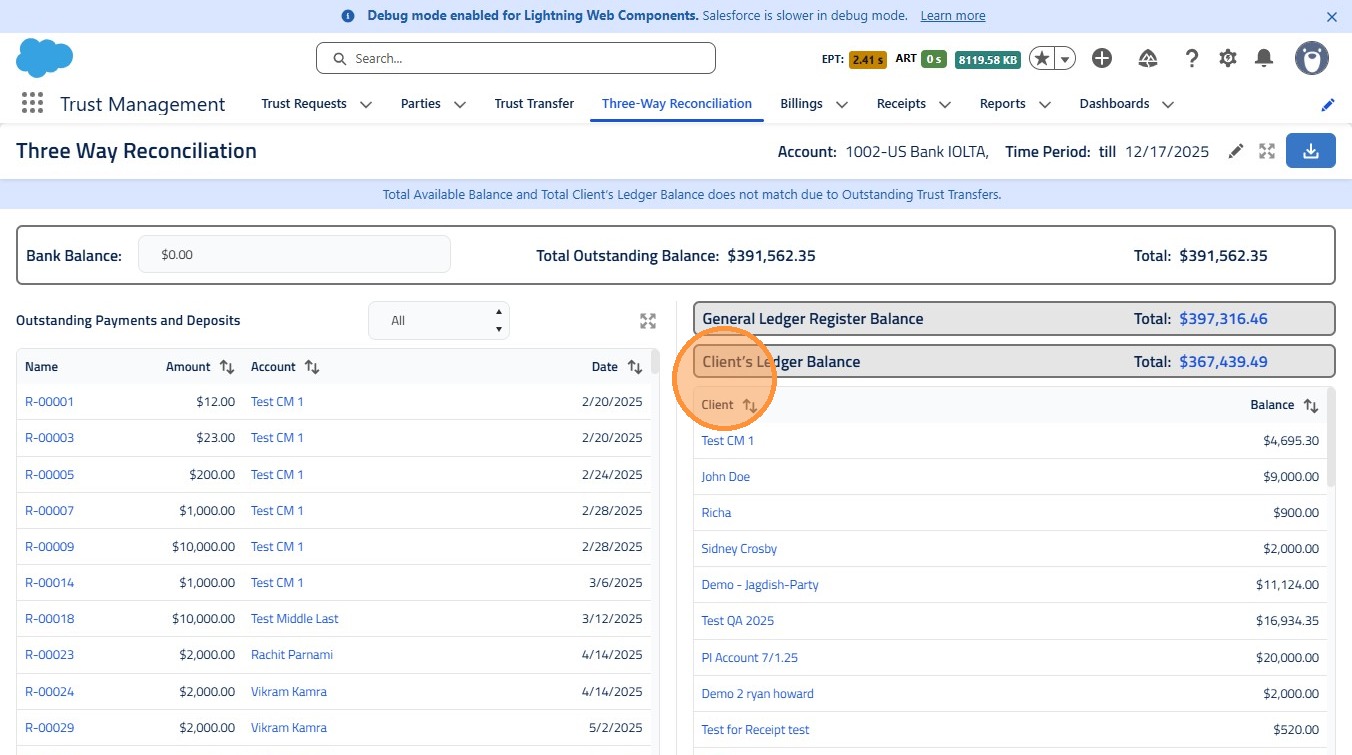
6. - Right Lower Screen– Client Ledger Trust Totals
- Shows the sum of trust balances allocated to each client
 />
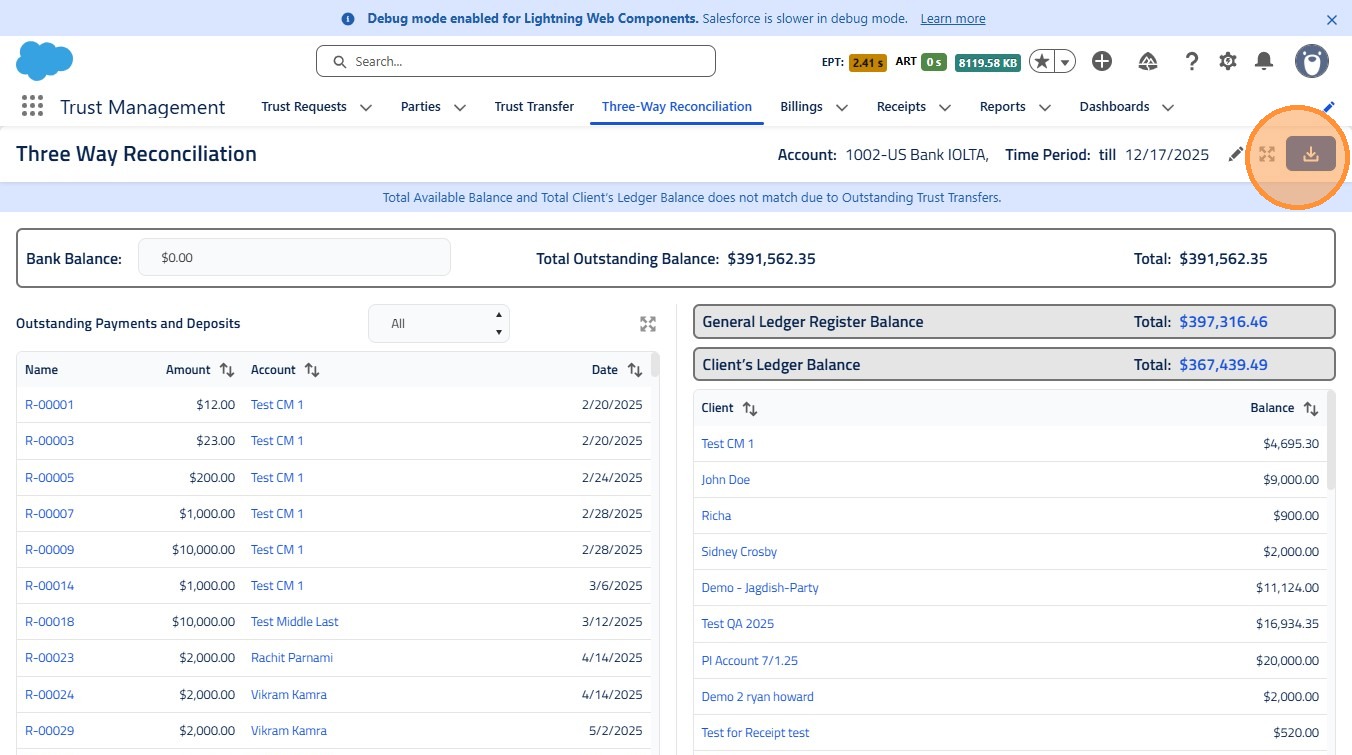
7. - Download Button (Top Right):
- Download the reconciliation report in PDF format for recordkeeping or audits
 />
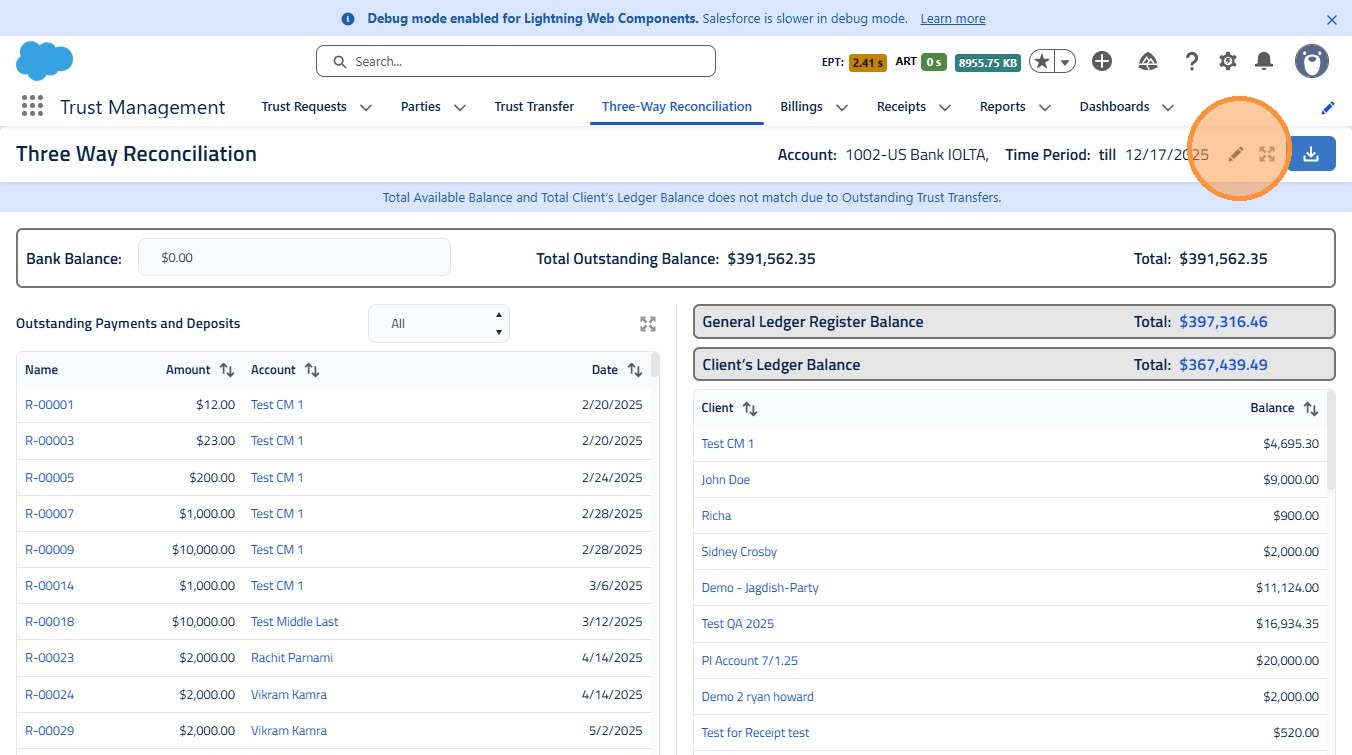
8. - Edit Button (Pencil Icon):
- Modify the selected trust bank or date range to run a reconciliation for a different period
 />