Court Cases in CaseQube are typically stored as a related object under a Matter. This allows you to track: Case number Court details Judge Filing dates Case Status Key deadlines Hearings And link multiple court cases to the same matter if needed
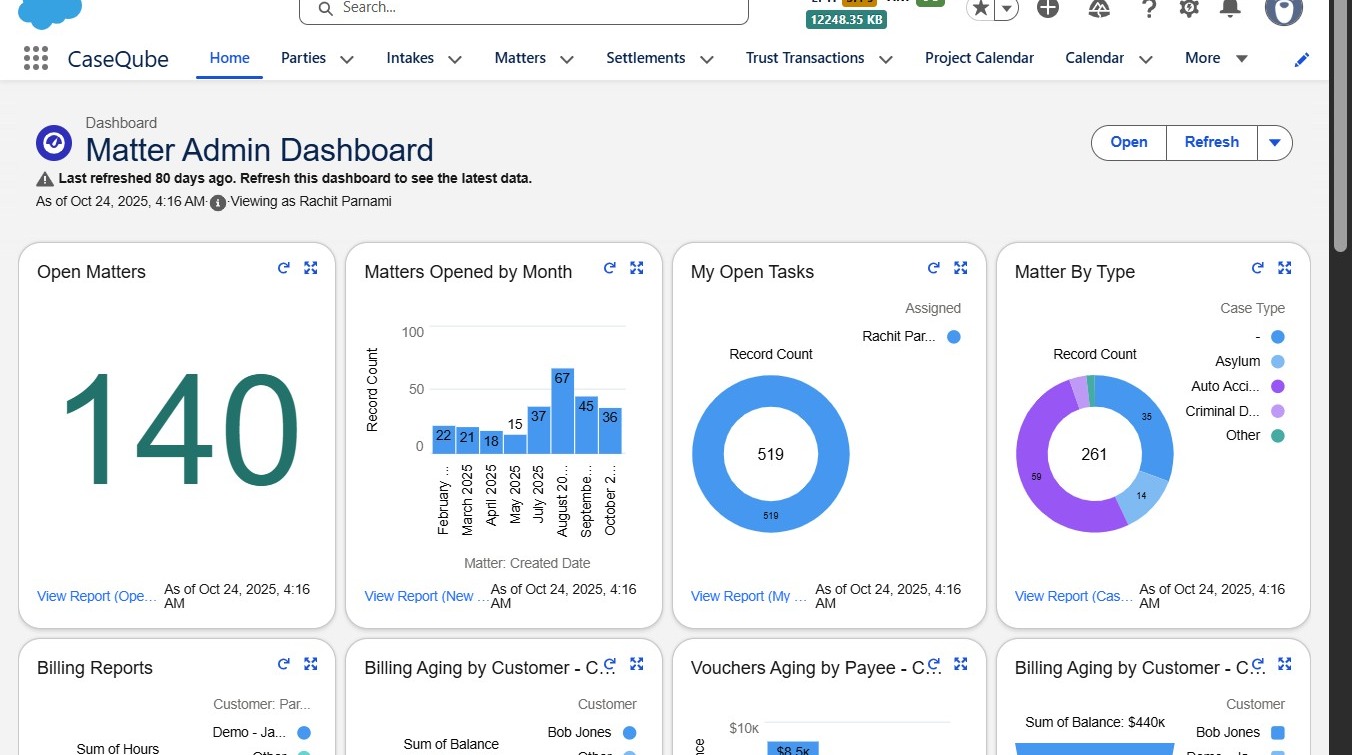
1. Step 1:
- Login to SalesForce using your secure credentials
 />
2. Step 2:
- Navigate to the Matters tab.
Click "Matters"
 />
3. Step 3:
- Search for and open the Matter you want to add a court case to.
Click "John Smith | Will Probate"
 />
4. Step 4:
-
Once on the Matter record, select the More tab.
-
Scroll down to locate the Court Cases related list.
Click "Court Cases"
 />
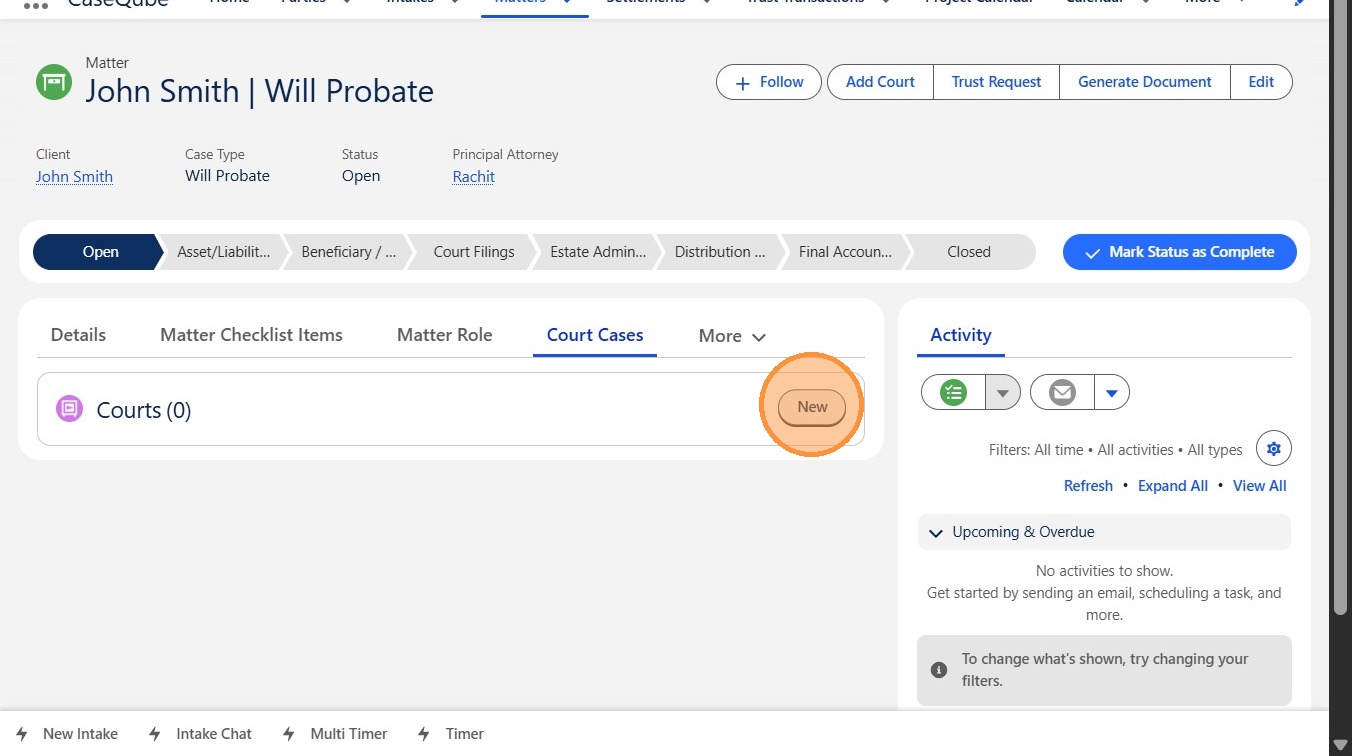
5. Step 5:
- Click New button
 />
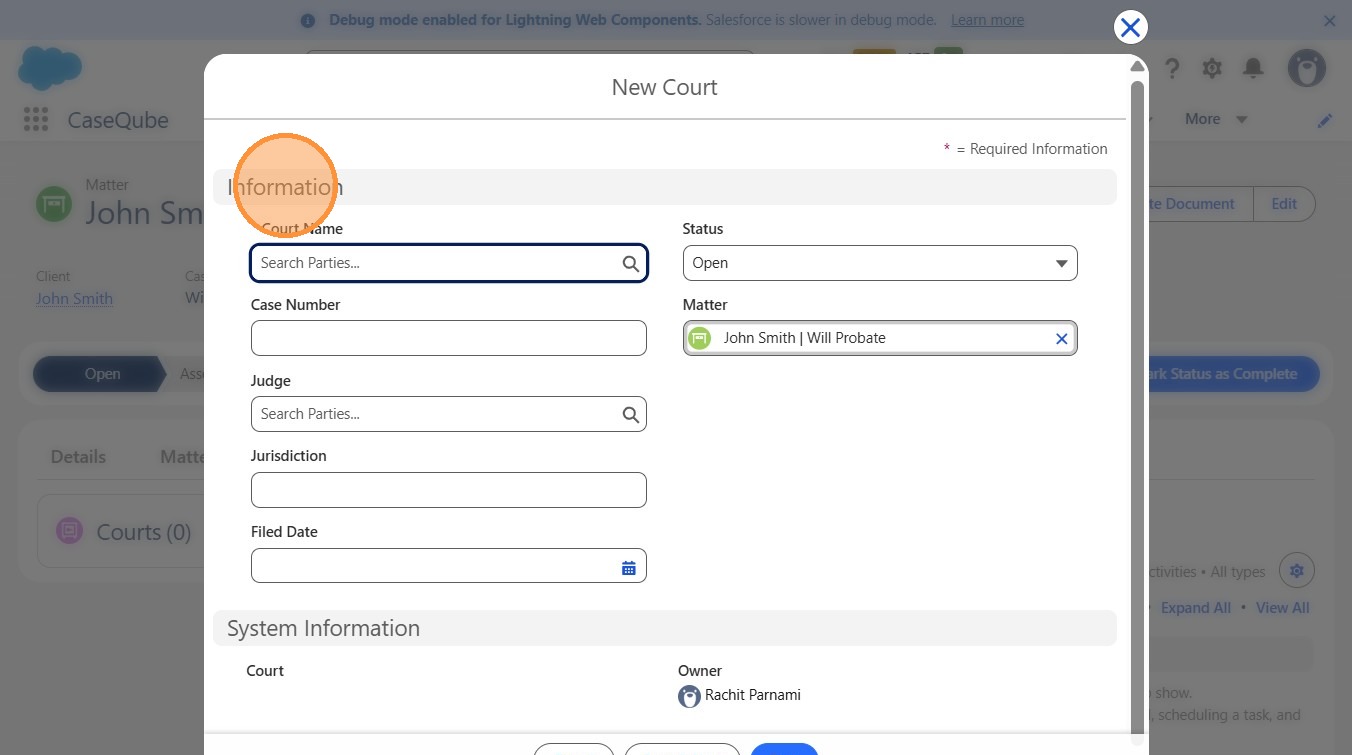
6. Step 6:
Fill in the required court case details:
- Court Name
- Status
- Case Number
- Matter
- Judge
- Jurisdiction
- Filed Date
 />
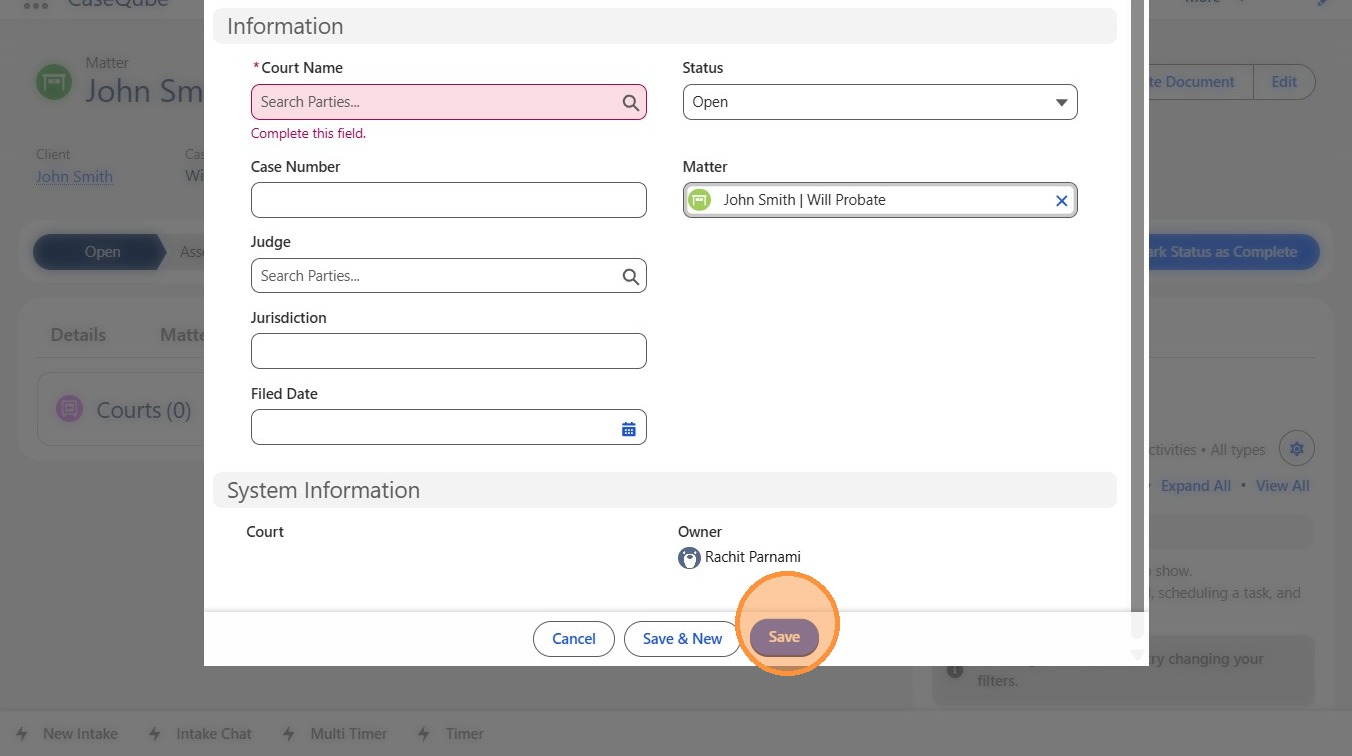
7. Step 7:
- Click Save button
 />