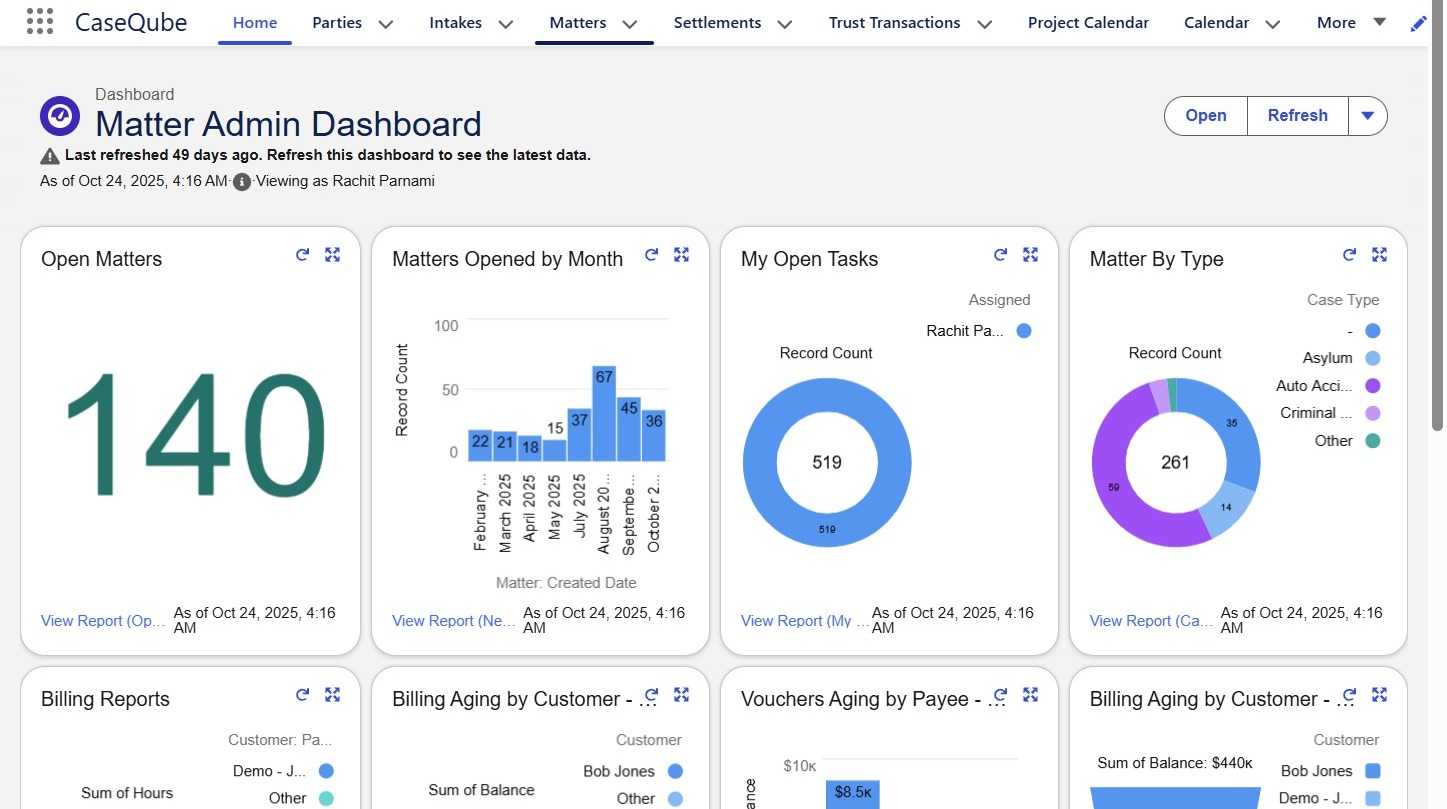
 />
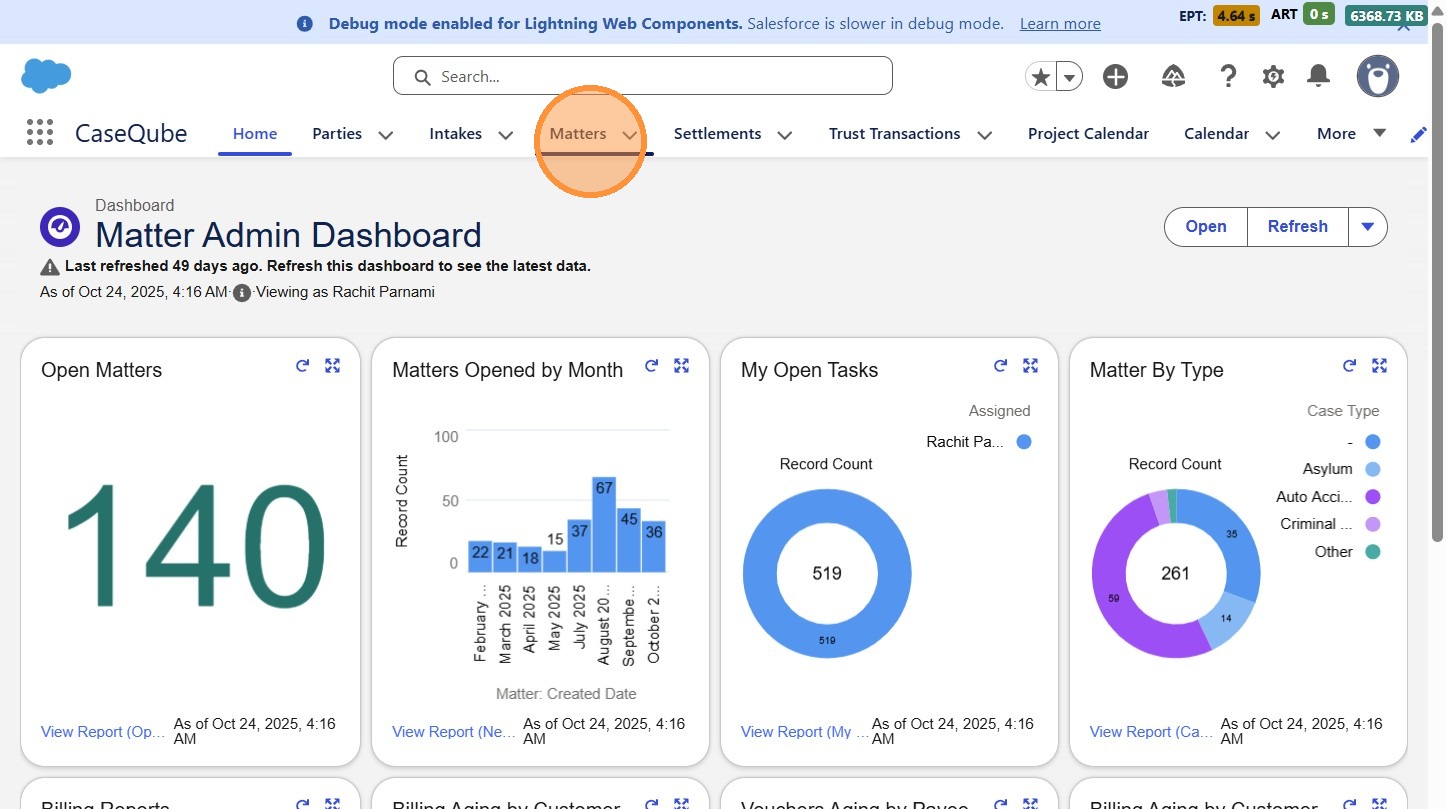
2. Click "Matters"
 />
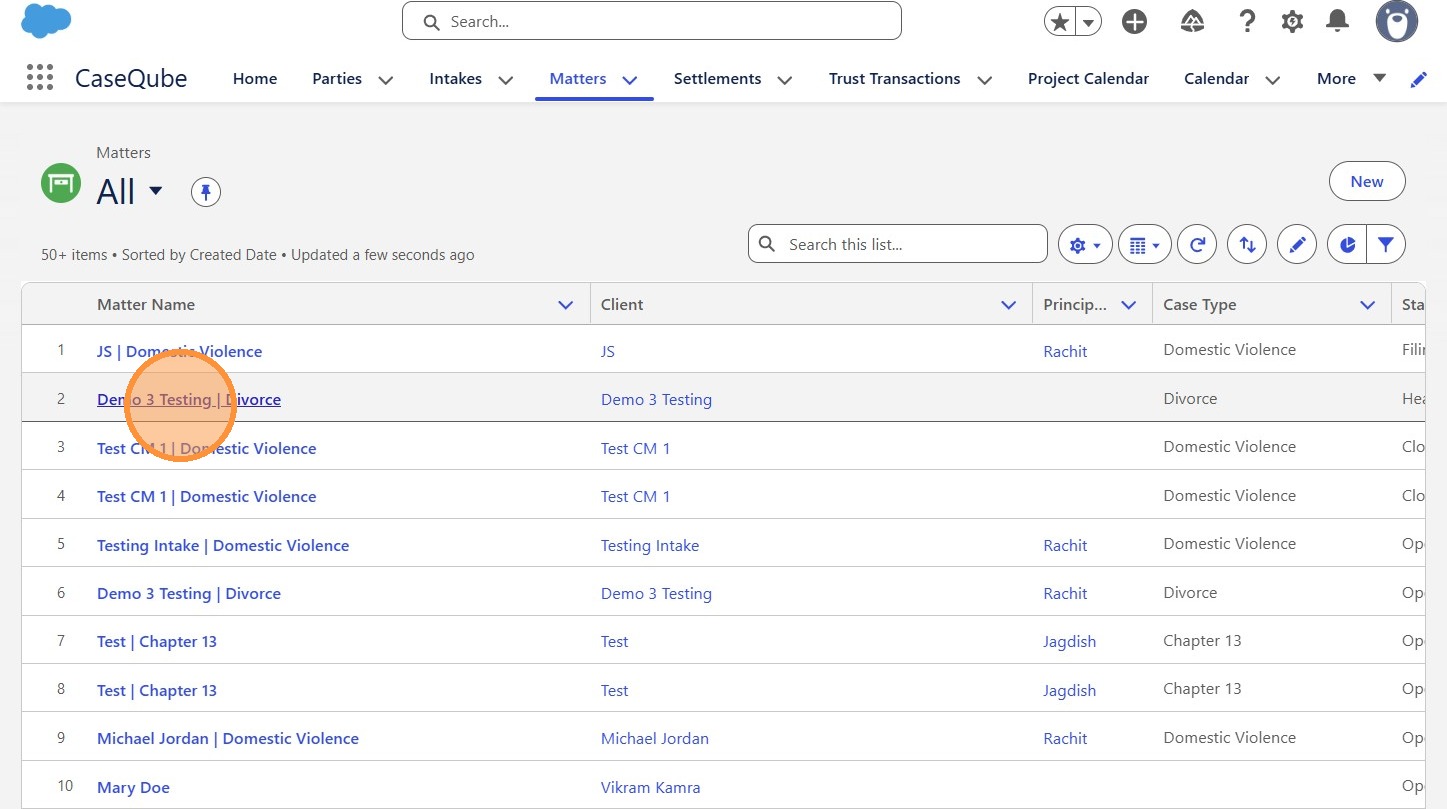
3. Select a Matter from the List view
 />
4. Click "Skip to NavigationSkip to Main ContentDebug mode enabled for Lightning Web Components. Salesforce is slower in debug mode.Learn moreCloseSearch...."
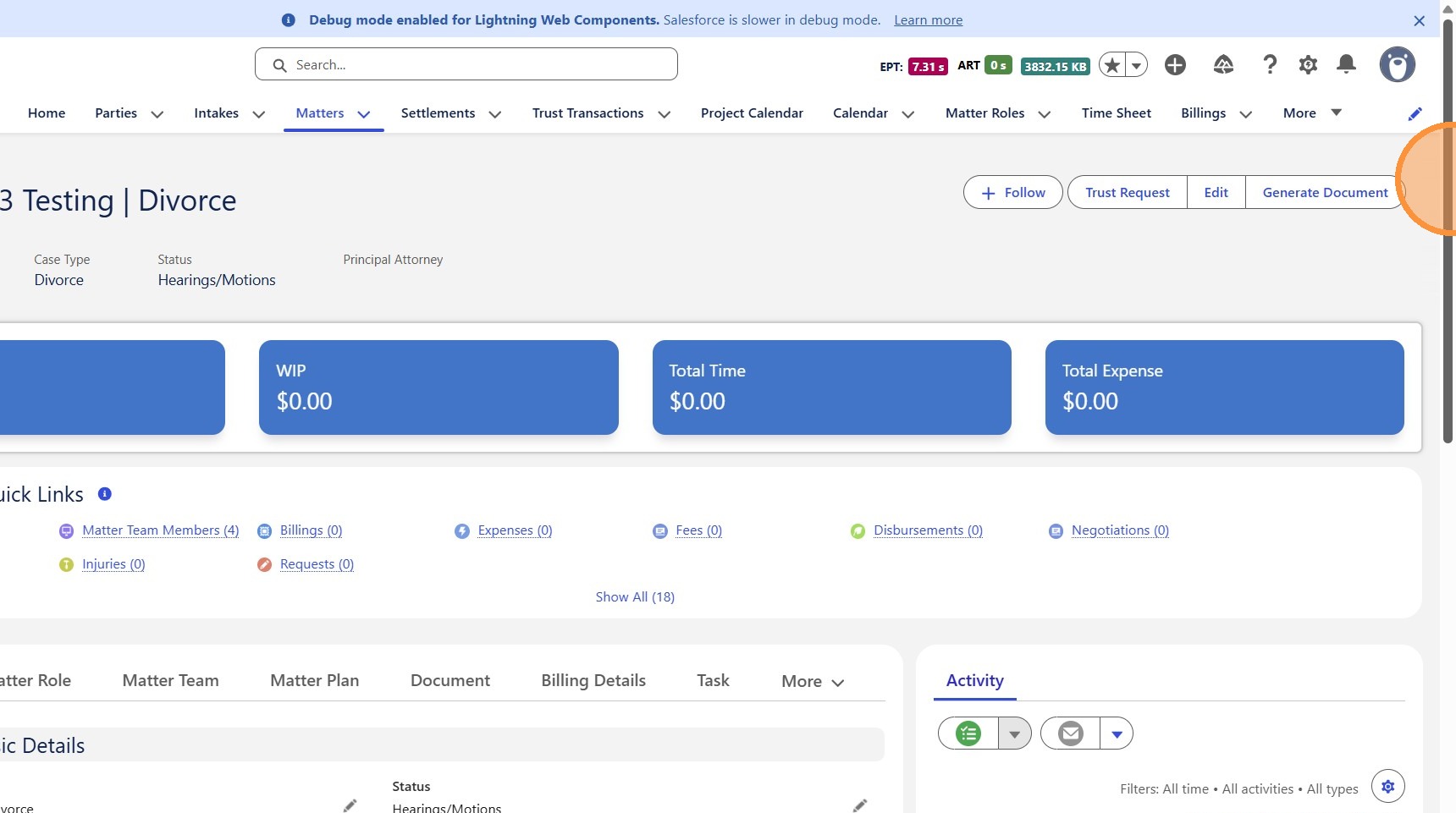 />
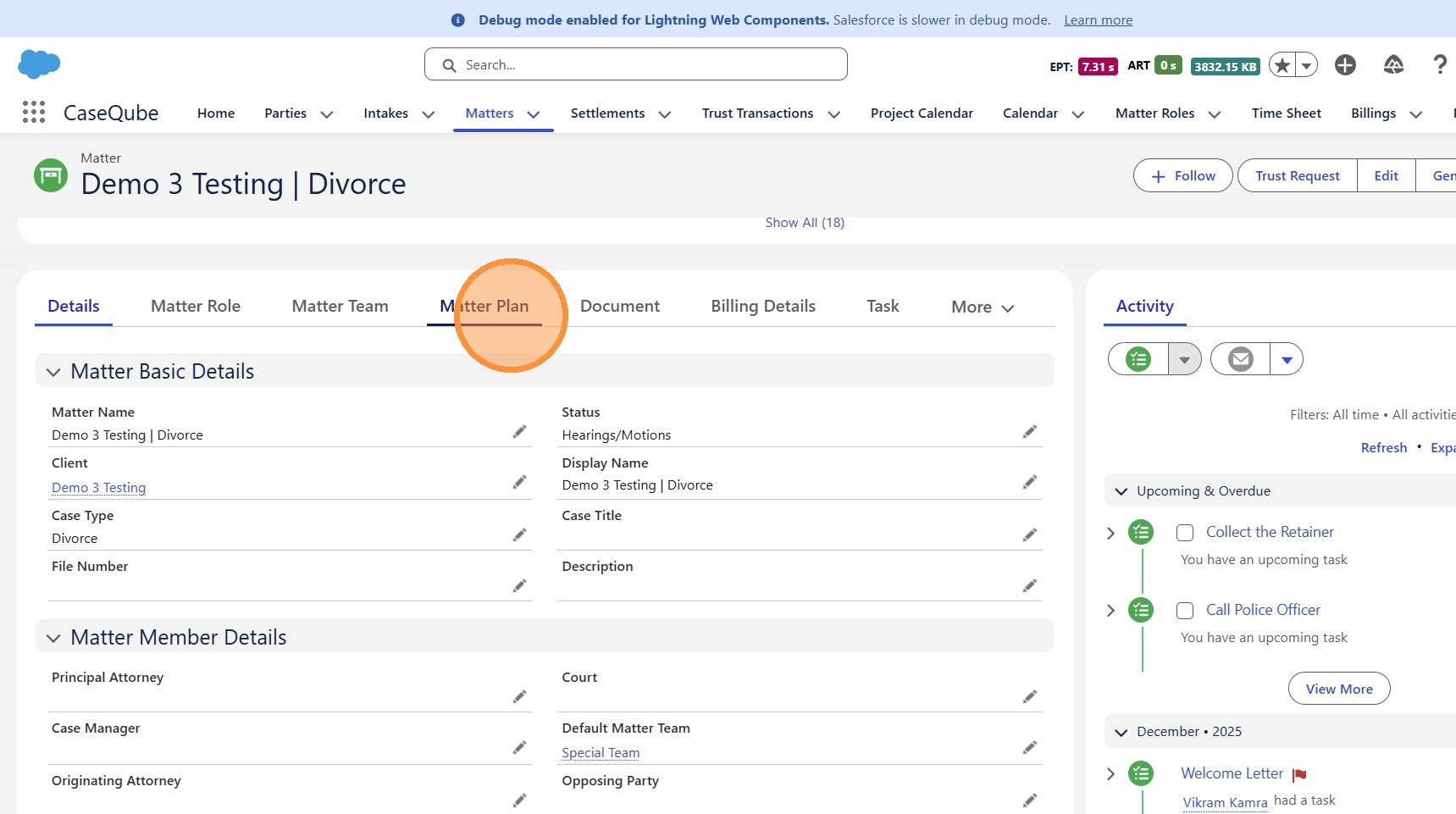
5. Click "Matter Plan"
 />
6. Click this icon.
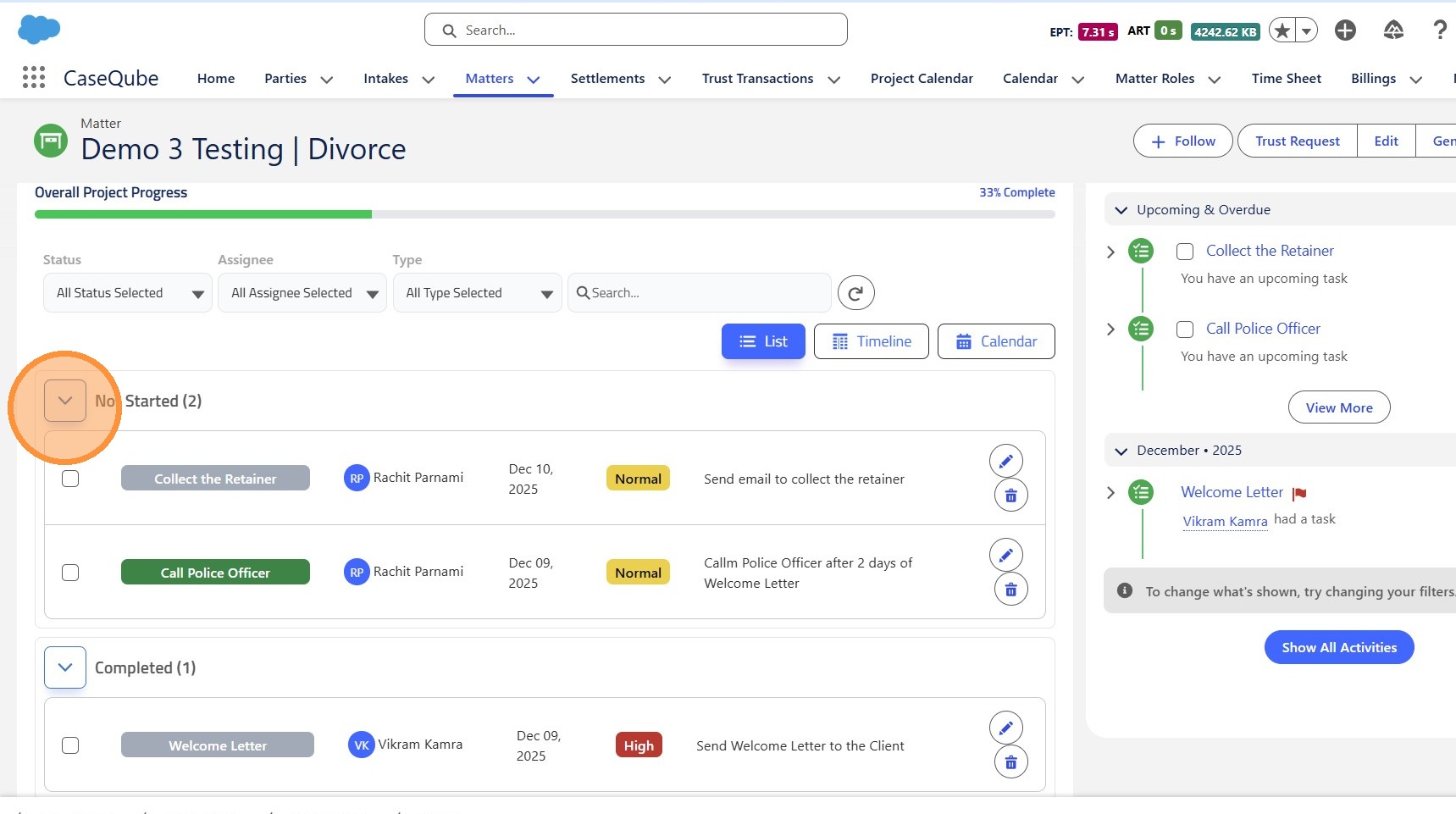 />
7. Click here.
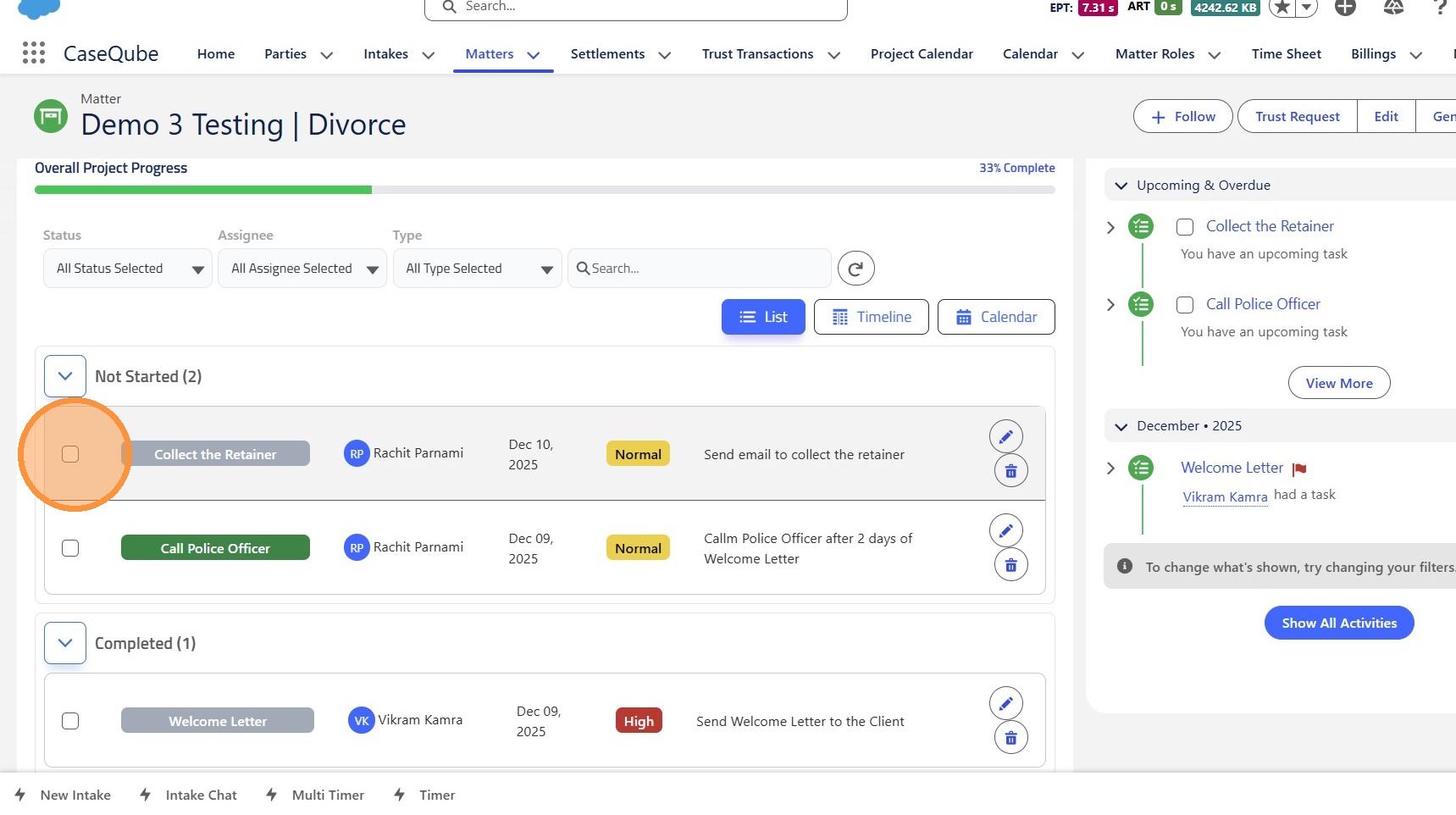 />
8. Click "Not Started (2)"
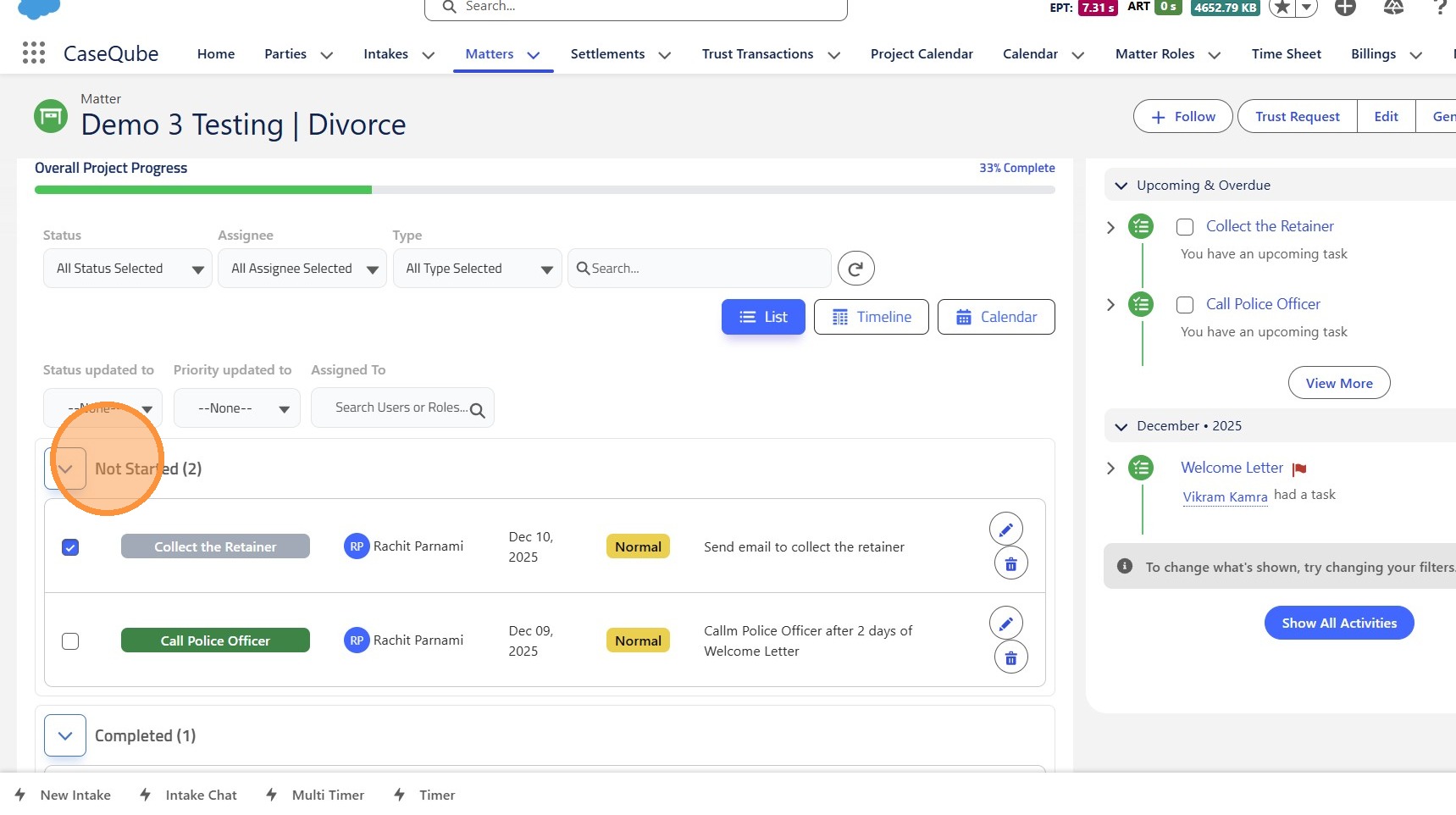 />
9. Click here.
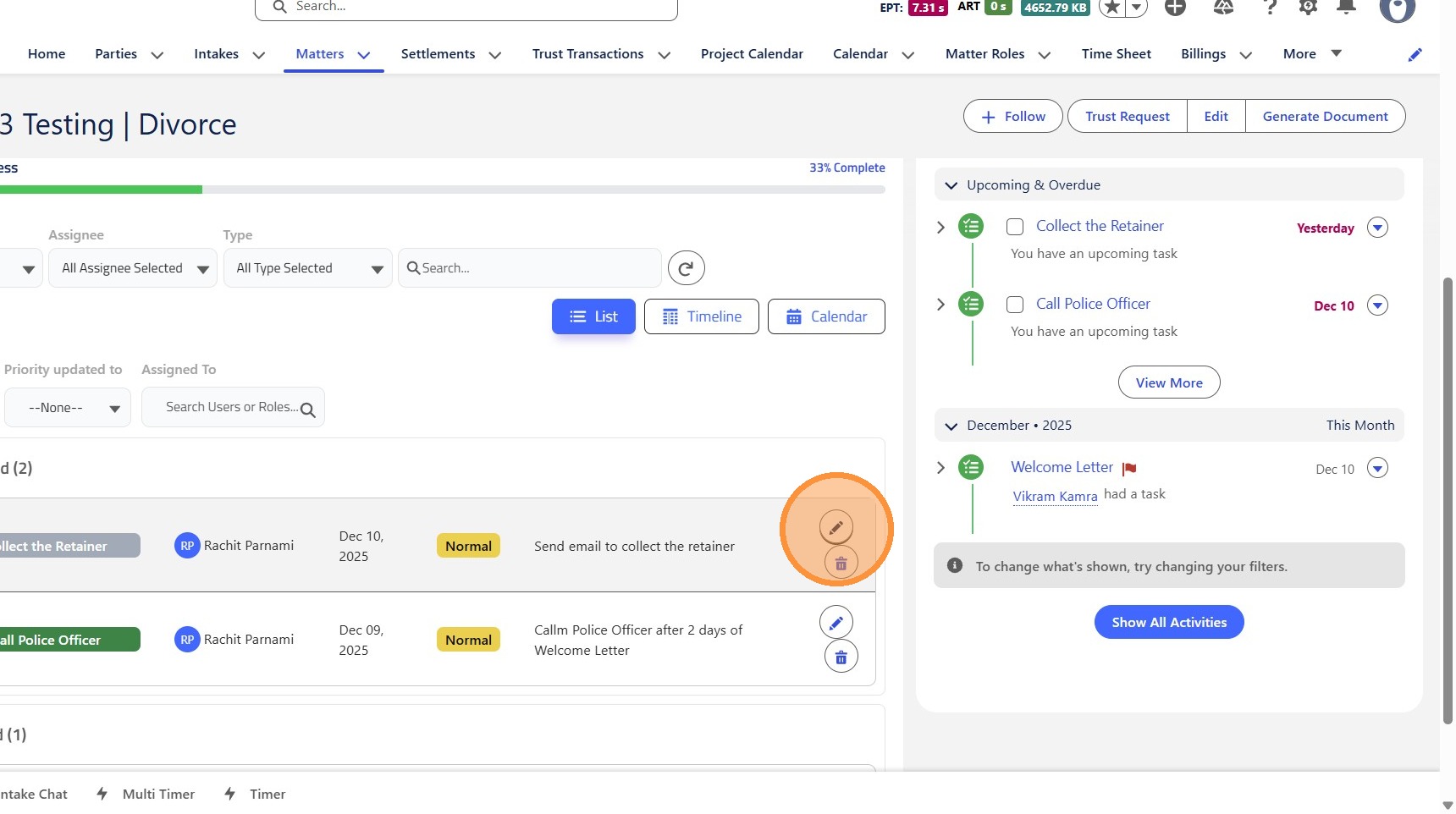 />
10. Click "Not Started"
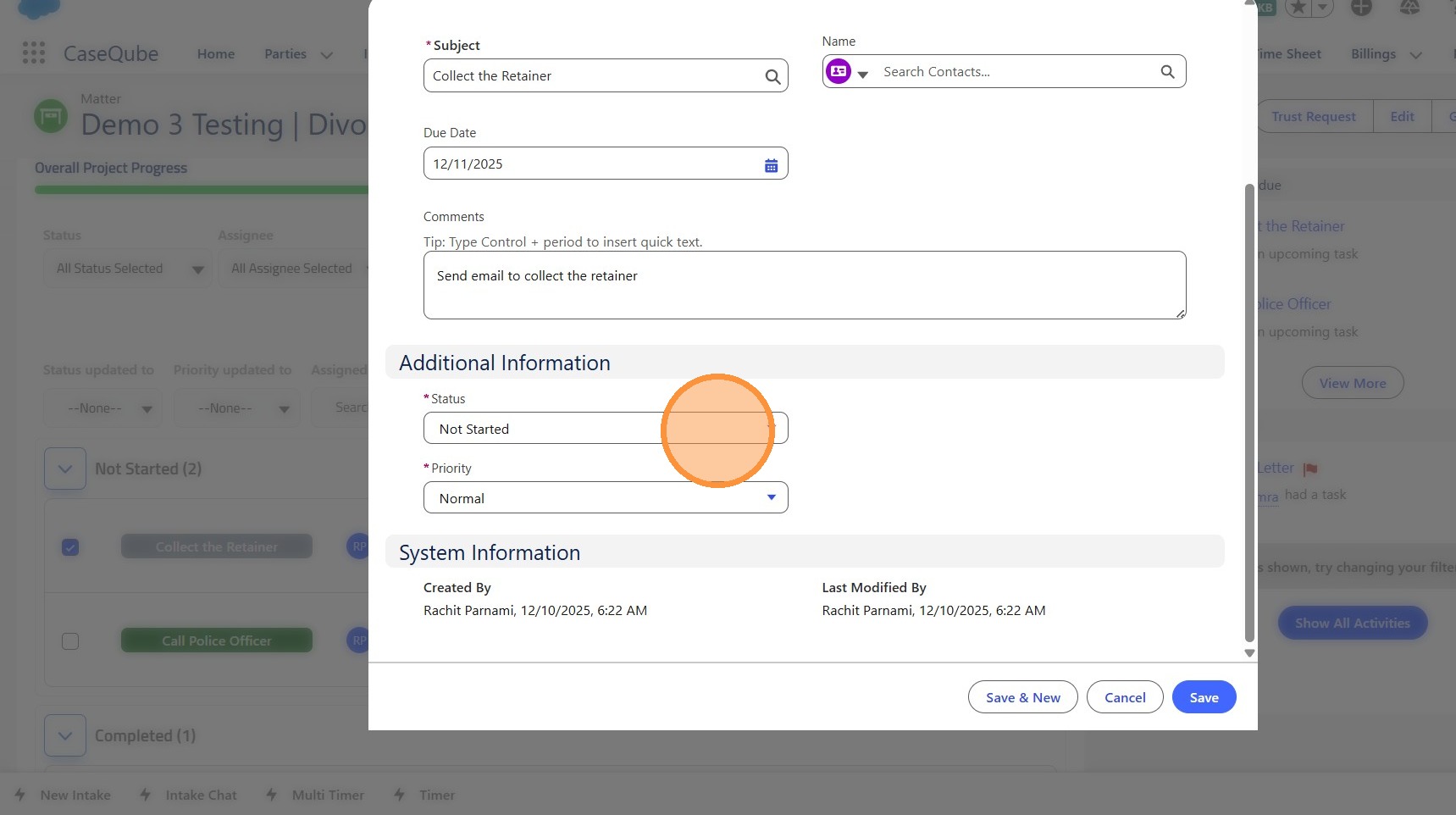 />
11. Click "Completed"
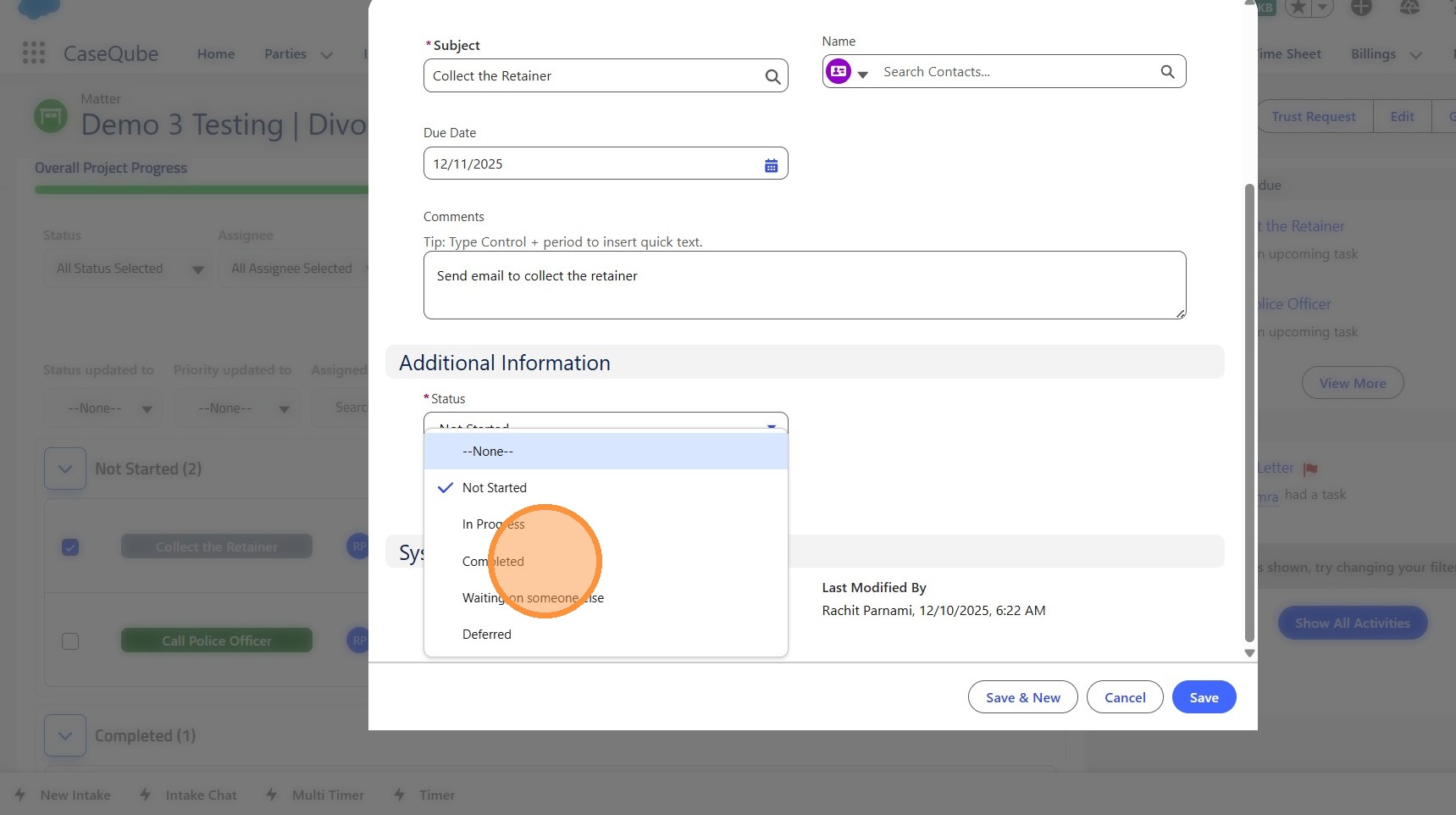 />
12. Click "Save"
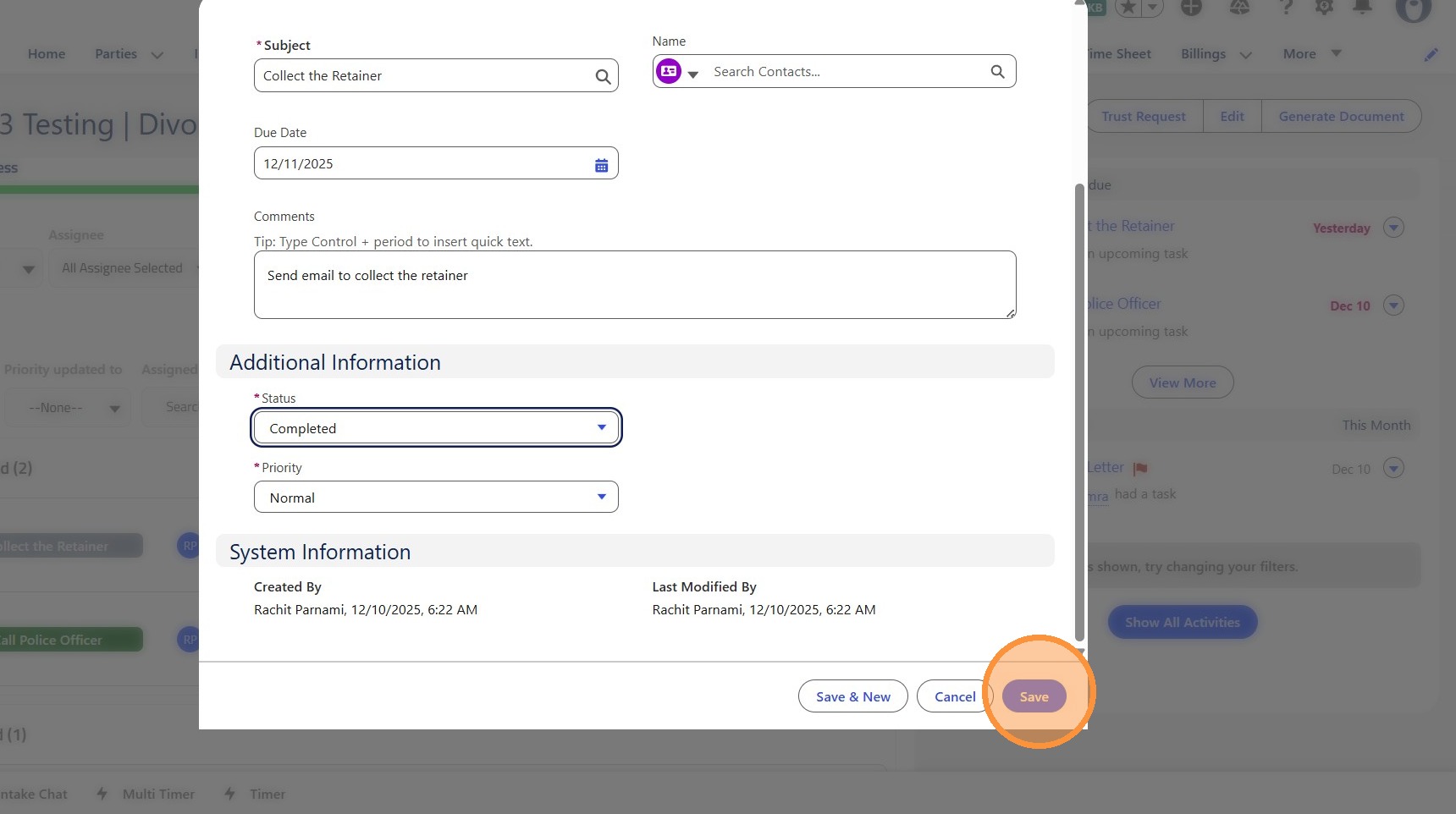 />
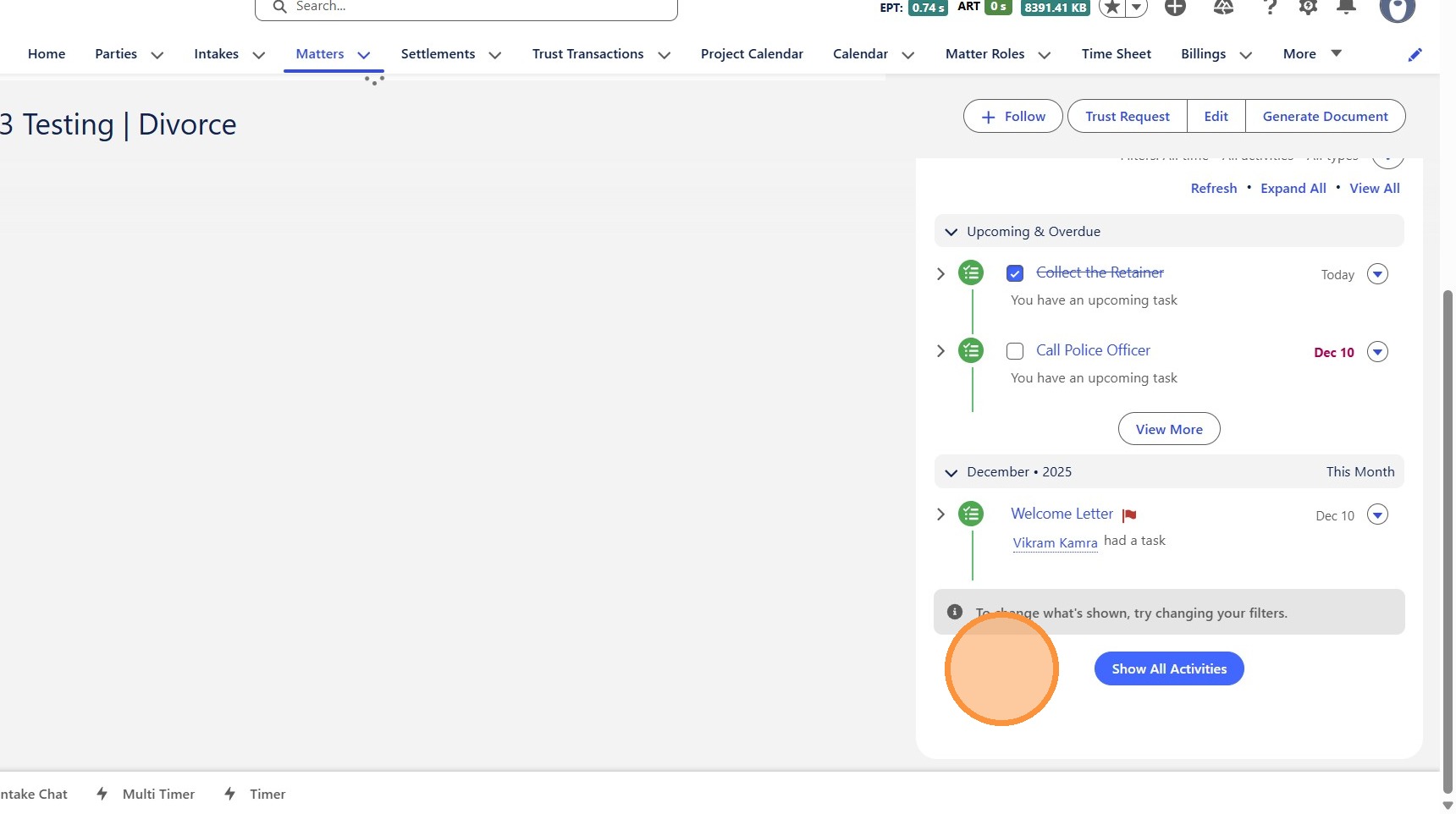
13. Click "Show All Activities"
 />
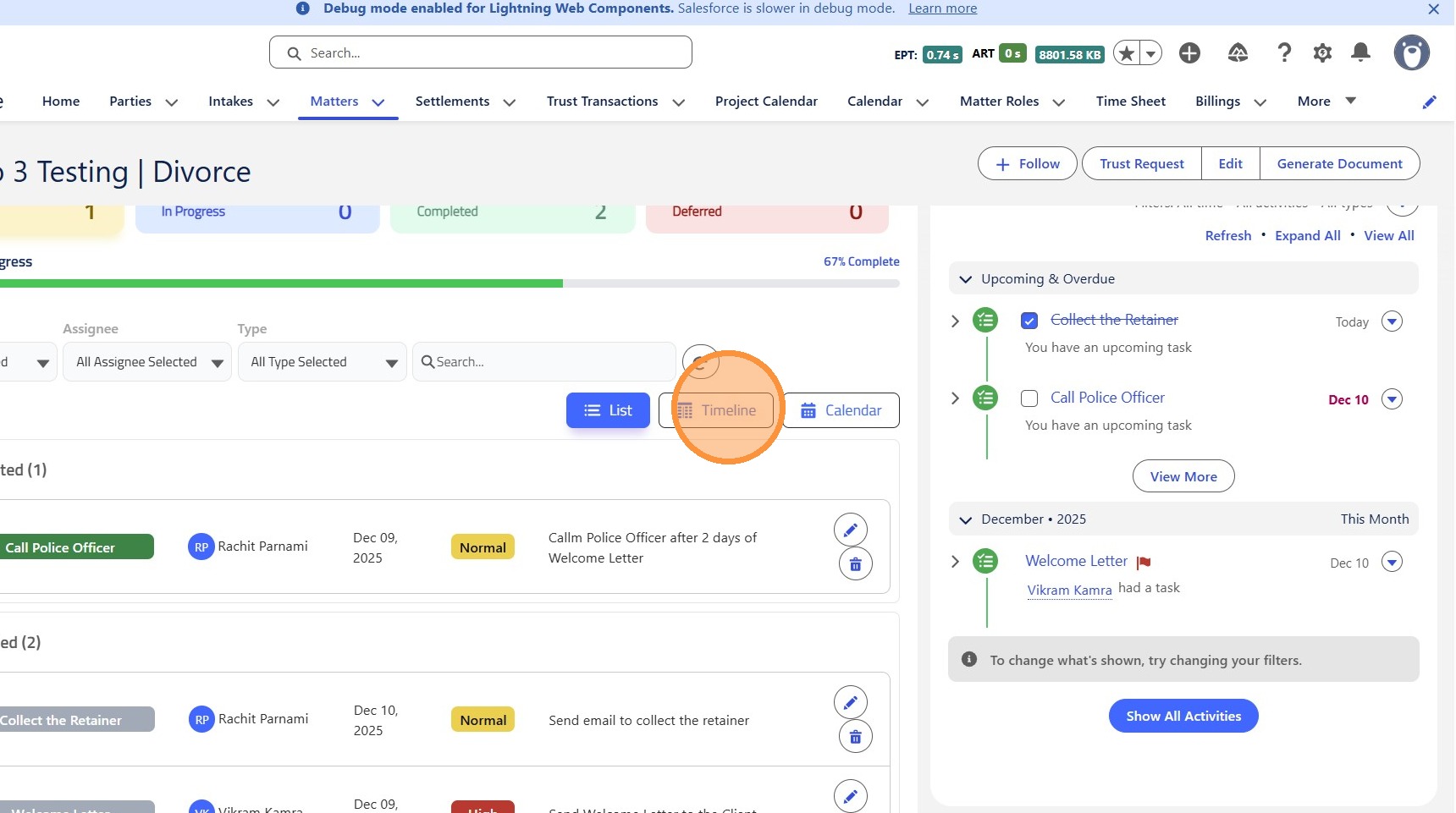
14. Click "TimelineTimeline"
 />
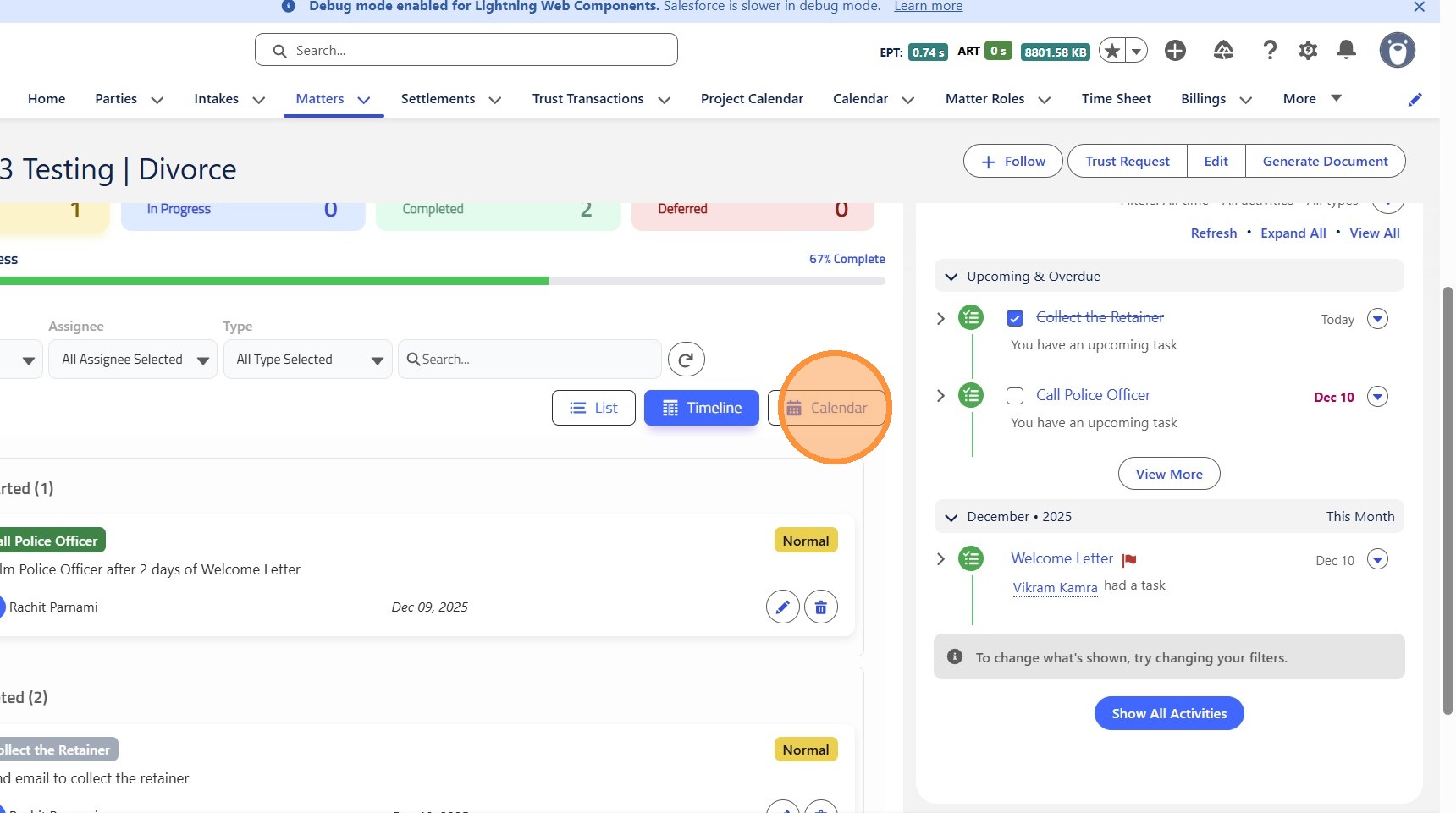
15. Click "CalendarCalendar"
 />
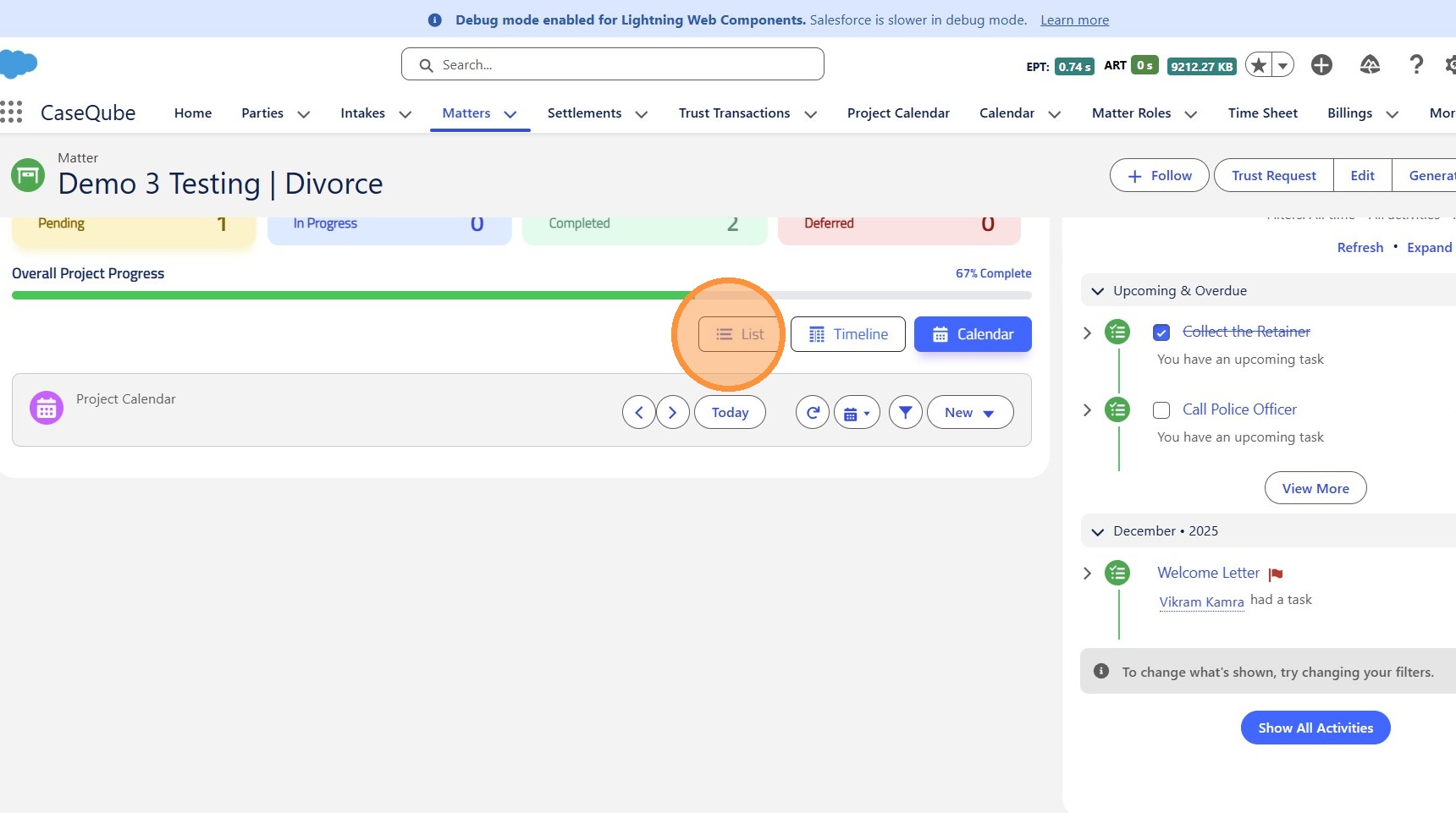
16. Click here.
 />